MacBook Keyboard Replacement in Malaysia
MacBook keyboard replacement for keys that stick, repeat or don’t type, a keyboard that’s not responding, a keycap that fell off, a butterfly keyboard that double-types, or a keyboard that stopped after a spill. We repair and replace keyboards on every MacBook Air, MacBook Pro and MacBook Neo, from Intel to M5, in KL, PJ and Seremban, from RM250, usually in 3 to 5 hours, with a 12-month warranty.
Apple Certified Independent Repair Provider. Free diagnosis, and you pay nothing if we can’t fix it. Part of our MacBook repair service.
Which MacBook is it?
What are the keys doing?
MacBook Keyboard Replacement: the short answer
From RM250
RM250 to RM1,000 depending on your model. Older MacBook Pro start at RM250, MacBook Pro 16″ M1 to M5 goes up to RM1,000. Final price after a free check.
3 to 5 hours
Most MacBook keyboard replacements are done the same day, in 3 to 5 hours, when the part is in stock.
Keycap only can be enough
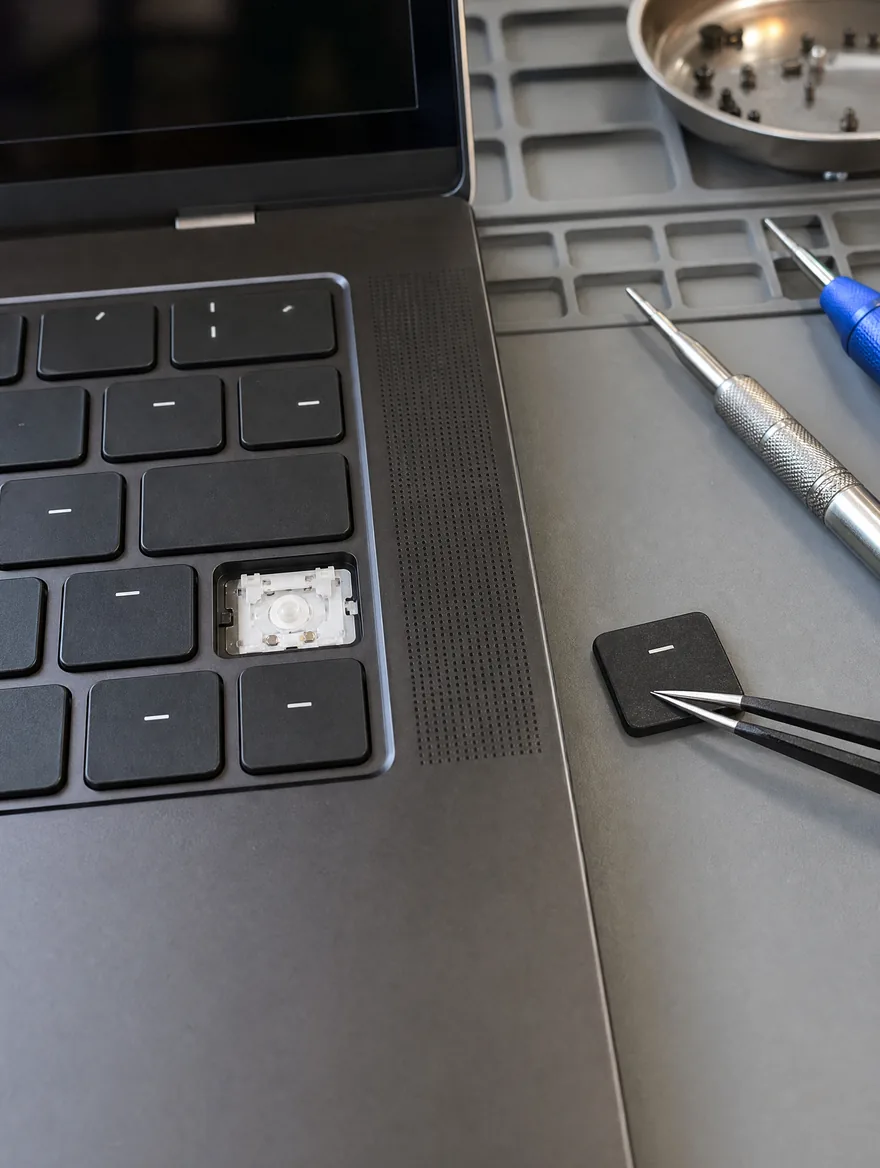
A missing keycap, peeling paint or one sticky key often needs only a new keycap. We check before we quote a whole keyboard.
Butterfly keyboards
2015 to 2019 MacBook Pro and 2018 to 2019 MacBook Air butterfly keyboards are fixed with the revised keyboard, which also cures the dust problem.
Your data stays put
A keyboard replacement doesn’t touch your storage or macOS.
12-month warranty, No Fix No Pay
Every keyboard replacement carries a 12-month warranty. If we can’t fix it, you pay nothing.
Keycap, keyboard or something else? What you actually need
Keycap only
Missing keycap, worn or peeling letters, or one key that feels stiff after a small spill. A new keycap is the cheapest fix.
Full keyboard
Several keys repeating, sticking or dead, or a membrane damaged by liquid. On most MacBooks the keyboard is riveted to the top case, so the keyboard is replaced as one part.
Butterfly keyboard (2015–2019)
The thin butterfly switches jam with tiny bits of dust. Apple’s Keyboard Service Programme has closed, so we fit the revised keyboard as a paid repair.
Magic Keyboard (2020 and newer)
Scissor switches are much tougher. Single keys can often be repaired instead of replacing the whole keyboard.
Keyboard and trackpad dead together
Usually the trackpad, its cable or a swollen battery pressing on it, not the keyboard. We test all three.
After a spill
Liquid under the keyboard often reaches the board. Switch it off, don’t charge it, and bring it in fast.
MacBook keyboard replacement price in Malaysia
MacBook keyboard replacement costs RM250 to RM1,000 at KissMyMac®, depending on your model and whether you need a keycap or a full keyboard. Every keyboard repair carries a 12-month warranty.
Prices updated October 2026. Final price confirmed after the free check.
Before you carry it in
Three free checks at home.
- Restart and test the keys in a plain text document
- Plug in a USB keyboard to see if macOS still types
- Tilt it and blow gently along the stuck key
When it really is the keyboard
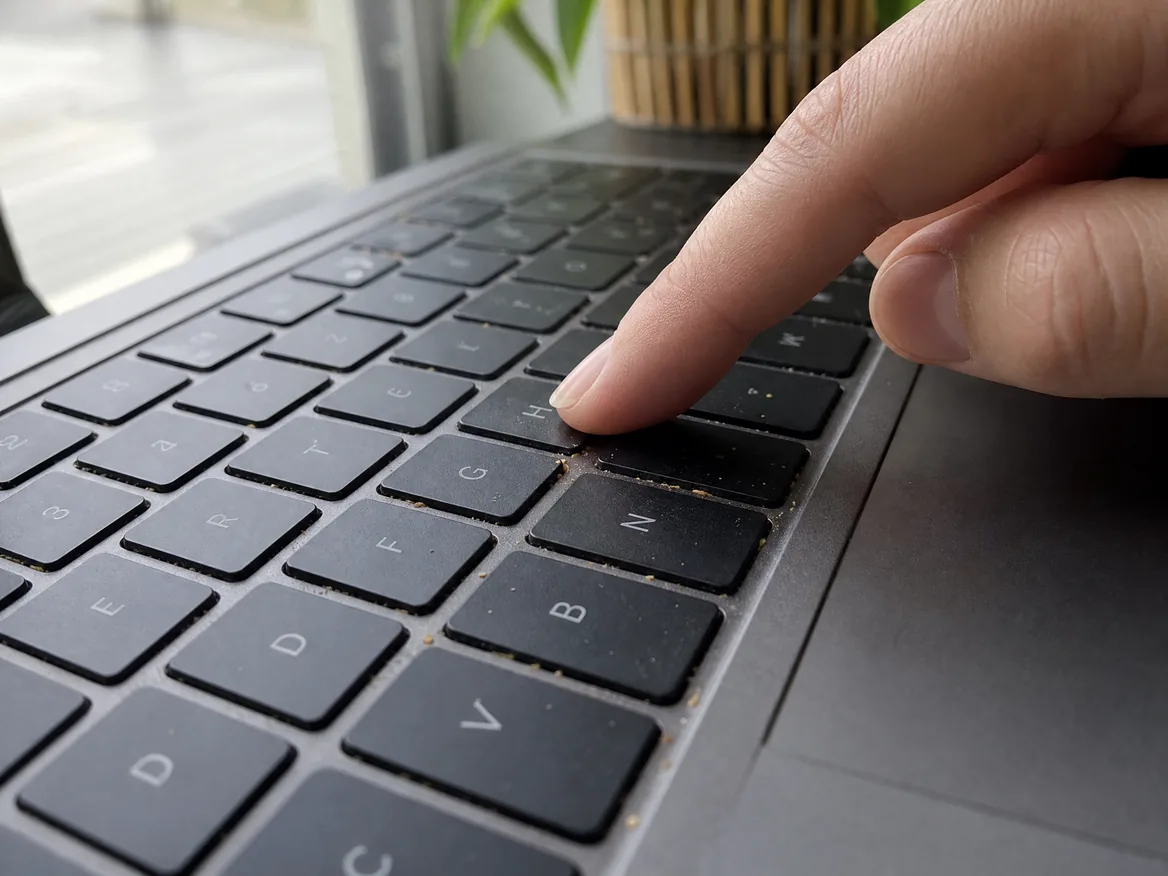
Any of these and the keyboard most likely needs work.
- Letters repeat or double-type
- Keys don’t register at all
- Sticky or stiff keys, or a key not popping back up
- Keyboard not responding, even at the login screen
- Keycap missing or broken
- Keys stopped after a spill
- Butterfly keyboard on a 2015–2019 MacBook
- Keyboard backlight dead
How the repair works
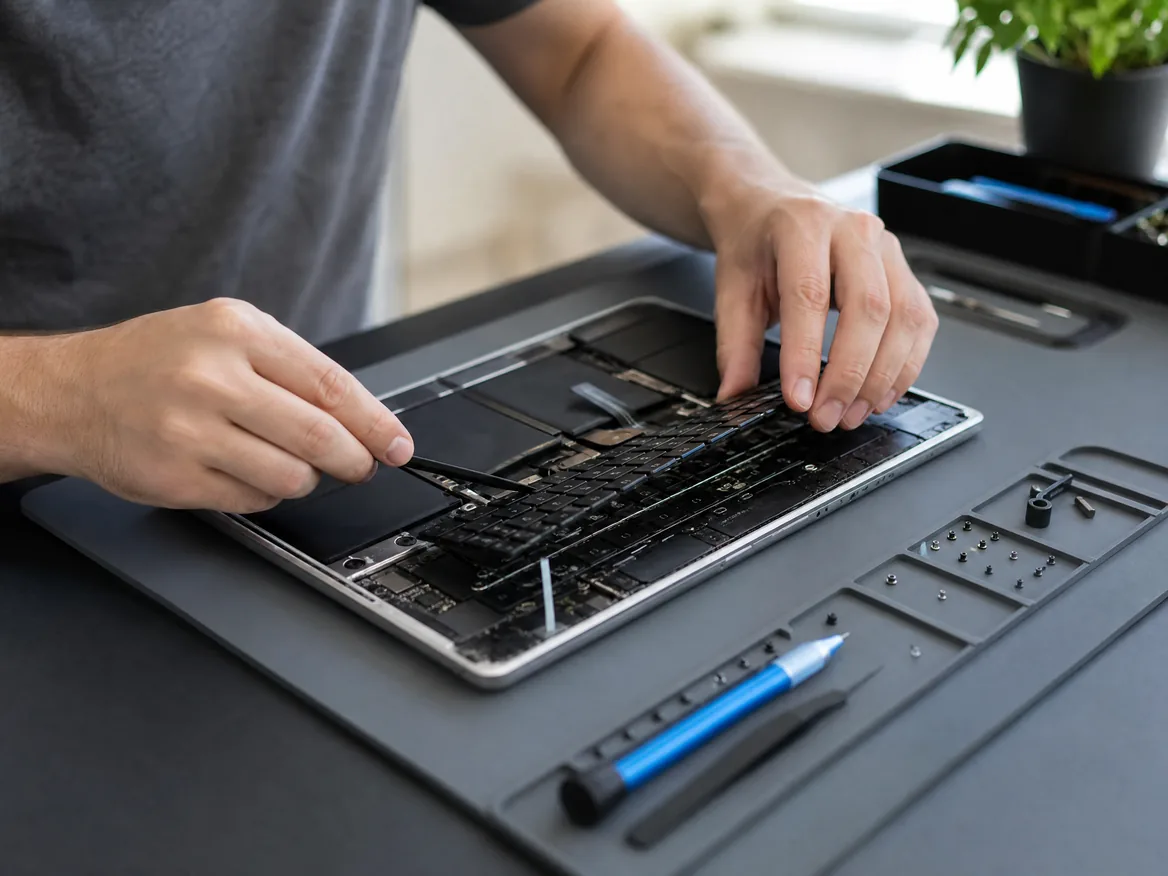
- Bring your MacBook to any of our three branches.
- We check it for free and tell you the price and the time.
- You say yes before we start.
- We repair it, test it and message you when it’s ready.
Apple Certified Independent Repair Provider
Apple-trained technicians, Genuine Apple parts and Apple’s own diagnostic tools on every MacBook repair.
KissMyMac or an Apple service centre?
| KissMyMac® | Apple Authorised Service Centre | |
|---|---|---|
| Genuine Apple parts | Yes | Yes |
| Apple-certified technicians | Yes | Yes |
| Diagnosis | Free, always | May be charged |
| Turnaround | 3 to 5 hours | 3 to 7 working days |
| No Fix, No Pay | Yes | No |
| Apple warranty after repair | Stays intact | Stays intact |
| Repair warranty | 12 months | 90 days |
| Walk-ins | Yes | Appointment needed |
Not near KL, PJ or Seremban? Mail it in.
Post your MacBook to our Taman Desa branch from anywhere in Malaysia, Sabah and Sarawak included. Free diagnosis, an unboxing video on WhatsApp, and free return shipping, fixed or not.
MacBook keyboard replacement near you
Walk in, no appointment needed. Monday to Friday 11am to 7pm, Saturday 11am to 3pm.
Taman Desa, Kuala Lumpur
Lot 203A, Second Floor, Faber Towers, Jalan Desa Bahagia, 58100 Kuala Lumpur
Areas we serve from here
Damansara Uptown, Petaling Jaya
98M, Jalan SS 21/39, Damansara Utama, 47400 Petaling Jaya
Areas we serve from here
Seremban 2, Negeri Sembilan
No. 56-1, Jalan S2 B18, Pusat Dagangan Seremban 2, 70300 Seremban
Areas we serve from here
Other MacBook repairs
Same branches, same free check, same No Fix, No Pay.
- MacBook Screen ReplacementCracked, lines, black screen, stage light
- MacBook Battery ReplacementService Recommended, drains fast, swollen
- MacBook Trackpad ReplacementWon’t click, cursor jumps, cracked trackpad
- MacBook Touch Bar ReplacementFlickering, blank or white Touch Bar
- MacBook Touch ID ReplacementFingerprint not recognised, failed to enroll
- MacBook Logicboard RepairWon’t turn on, won’t charge, no display
- MacBook Speaker ReplacementCrackling, buzzing or no sound
- MacBook Water Damage RepairSpilled water, coffee or tea on it
- MacBook SSD UpgradeStorage full, slow Intel MacBook
- MacBook RAM UpgradeSlow with many apps open, Intel MacBook
- All MacBook repairs and upgradesEvery MacBook Air and MacBook Pro we repair
Questions people ask
How much does MacBook keyboard replacement cost in Malaysia?
At KissMyMac it costs RM250 to RM1,000 depending on the model. Older MacBook Air and MacBook Pro start at RM250 to RM450, MacBook Air M2 to M5 is RM550 to RM950, MacBook Pro 14″ M1 to M5 is RM600 to RM900 and MacBook Pro 16″ M1 to M5 is RM700 to RM1,000.
How much does MacBook Air keyboard replacement cost?
MacBook Air keyboard replacement is RM300 to RM950: RM300 to RM450 for 2011 to 2017, RM400 to RM550 for 2018 to 2019, RM450 to RM600 for 2020, RM550 to RM850 for the 13″ M2 to M5 and RM650 to RM950 for the 15″.
How much does MacBook Pro keyboard replacement cost?
MacBook Pro keyboard replacement is RM250 to RM1,000: RM250 to RM450 for 2010 to 2015, RM400 to RM900 for 2016 to 2019 butterfly models, RM450 to RM650 for the 16″ 2019 and 2020 to 2022 13″, RM600 to RM900 for the 14″ and RM700 to RM1,000 for the 16″ M1 to M5.
How much does MacBook Neo keyboard replacement cost?
From RM550 for the MacBook Neo (A3404). The final price is confirmed after a free check, and it carries a 12-month warranty.
How long does MacBook keyboard replacement take?
3 to 5 hours when the part is in stock. A single keycap is quicker.
Can you replace just one MacBook key?
Often, yes. A missing keycap, peeling letters, a stiff key or one sticky key after a small spill can usually be fixed with a new keycap. If the switch or membrane is damaged, the keyboard is replaced.
Why are my MacBook keys repeating or double-typing?
On 2015 to 2019 butterfly keyboards, dust gets under the thin switches and makes keys repeat or stick. We replace it with the revised keyboard.
Is the Apple Keyboard Service Programme still running?
No. Apple’s programme for butterfly keyboards has ended, so it’s now a paid repair. We fit the revised keyboard.
Some keys on my MacBook don’t work. What’s wrong?
A dead switch, debris, liquid or the keyboard cable. Restart and test with a USB keyboard first. If the USB keyboard works, the built-in keyboard has the fault. We test every key for free.
My MacBook keyboard is not responding. What should I do?
Restart first. If it doesn’t type at the login screen either, it’s hardware, not macOS. Plug in a USB keyboard: if that types, the built-in keyboard or its cable has failed. If the trackpad is dead too, it can be the trackpad or the board. We test it for free.
A key on my MacBook is stuck and won’t pop back up. Can you fix it?
Usually with a clean or a new keycap, which is quicker and cheaper than a full keyboard. If the switch under it is broken, the keyboard is replaced.
My MacBook keyboard and trackpad both stopped working. Why?
When they fail together, it’s often the trackpad or its cable, or a swollen battery pressing on it. We test all three before we quote.
I spilled water on my MacBook keyboard. What should I do?
Switch it off, unplug it, and turn it upside down in a tent shape. Don’t charge it and don’t use a hairdryer or rice. Bring it in fast. See MacBook water damage repair.
Will I lose my data?
No. A keyboard replacement doesn’t touch your storage or macOS.
Do you give a warranty on MacBook keyboard replacement?
Yes, 12 months on every keyboard replacement.
Which MacBook models do you replace keyboards for?
Every MacBook Air from 2011 to the 2026 M5 and every MacBook Pro from 2010 to the M5 Pro and M5 Max, plus the MacBook Neo.
Do I need an appointment?
No. Walk in to any branch. Bring your charger so we can test it with you.
Berapa harga tukar keyboard MacBook?
Harga tukar keyboard MacBook di KissMyMac antara RM250 hingga RM1,000, bergantung pada model. Kadang-kadang hanya keycap perlu ditukar. Biasanya siap dalam 3 hingga 5 jam.
Keyboard MacBook saya tak boleh taip. Boleh baiki?
Boleh. Kami uji setiap kekunci secara percuma dan beritahu sama ada perlu tukar keycap atau keyboard penuh sebelum kerja dimulakan. Waranti 12 bulan.