
MacBook Trackpad Replacement in Malaysia
MacBook trackpad replacement (the touchpad or mousepad) for a trackpad that won’t click, a cursor that jumps, moves by itself or isn’t responding, no haptic feedback, a cracked trackpad, or a trackpad that stopped after a spill. We replace the trackpad on every MacBook Air, MacBook Pro and MacBook Neo, from Intel to M5, in KL, PJ and Seremban, from RM250, usually in 30 to 45 minutes, with a 12-month warranty.
Apple Certified Independent Repair Provider. Free diagnosis, and you pay nothing if we can’t fix it. Part of our MacBook repair service.
Which MacBook is it?
What’s the trackpad doing?
MacBook Trackpad Replacement: the short answer
From RM250
RM250 to RM750 depending on your model. Older MacBook Air and MacBook Pro start at RM250, MacBook Pro 16″ M1 to M5 goes up to RM750. Final price after a free check.
30 to 45 minutes
Most MacBook trackpad replacements are done while you wait, in 30 to 45 minutes, when the part is in stock.
Stiff trackpad? Check the battery
A stiff or raised trackpad usually means a swollen battery underneath. We check it first, because it’s a safety issue.
Rule out software first
Restart, check Trackpad settings and try a mouse. If the pointer still misbehaves, the trackpad is faulty.
Your data stays put
A trackpad replacement doesn’t touch your storage or macOS.
12-month warranty, No Fix No Pay
Every trackpad replacement carries a 12-month warranty. If we can’t fix it, you pay nothing.
Why does a MacBook trackpad stop working?
Liquid spills
Coffee, tea or water reaches the haptic coil and the trackpad’s chips. It may work for a day, then fail as corrosion spreads.
A swollen battery
The battery sits under the trackpad. As it swells, it pushes the trackpad up, makes it stiff and can crack it.
Wear on the click mechanism
Force Touch trackpads have no physical click. A coil creates the feeling of one. When the coil fails, there’s no click and no feedback.
Dirt and debris
Grit around the edge can stop the click or make the cursor jumpy. Sometimes cleaning is enough.
Software settings
Force Click, Tap to Click or a bad update can make a good trackpad feel broken. Restart, check Trackpad settings, and update macOS.
A faulty trackpad affects more
The trackpad can control keyboard input and talk to the fan control. A bad one can kill the keyboard, run the fan loud, or stop the MacBook starting.
MacBook trackpad replacement price in Malaysia
MacBook trackpad replacement costs RM250 to RM750 at KissMyMac®, depending on your model. Most are done in 30 to 45 minutes, and every trackpad carries a 12-month warranty.
Prices updated October 2026. Final price confirmed after the free check.
Before you carry it in
Three free checks at home.
- Restart and check System Settings › Trackpad
- Plug in a mouse to see if the pointer behaves
- Put it on a flat table and see if it rocks
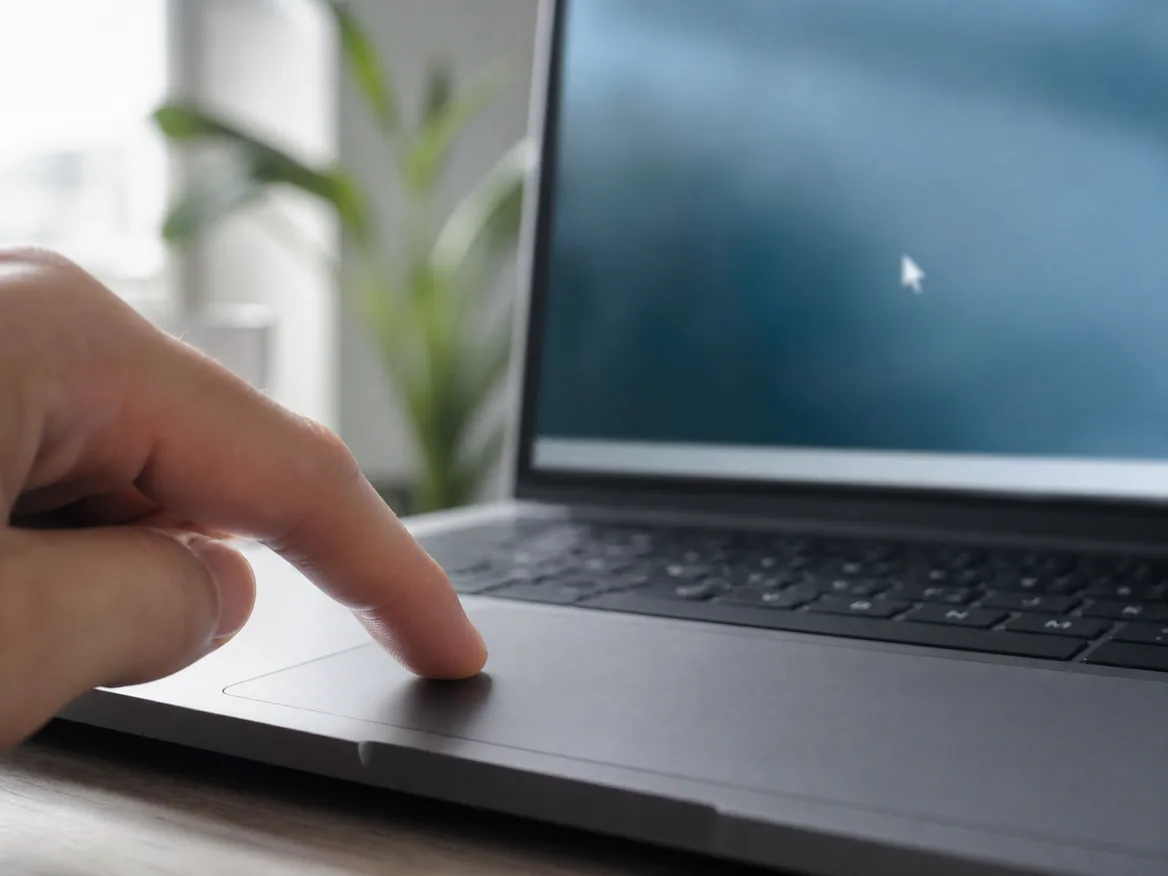
When it really is the trackpad
Any of these and the trackpad most likely needs replacing.
- No click and no haptic feedback
- Touchpad not responding at all
- Cursor jumps or moves by itself
- Trackpad stuck as if clicked
- Crack across the trackpad
- Stopped working after a spill
- Keyboard and trackpad dead together
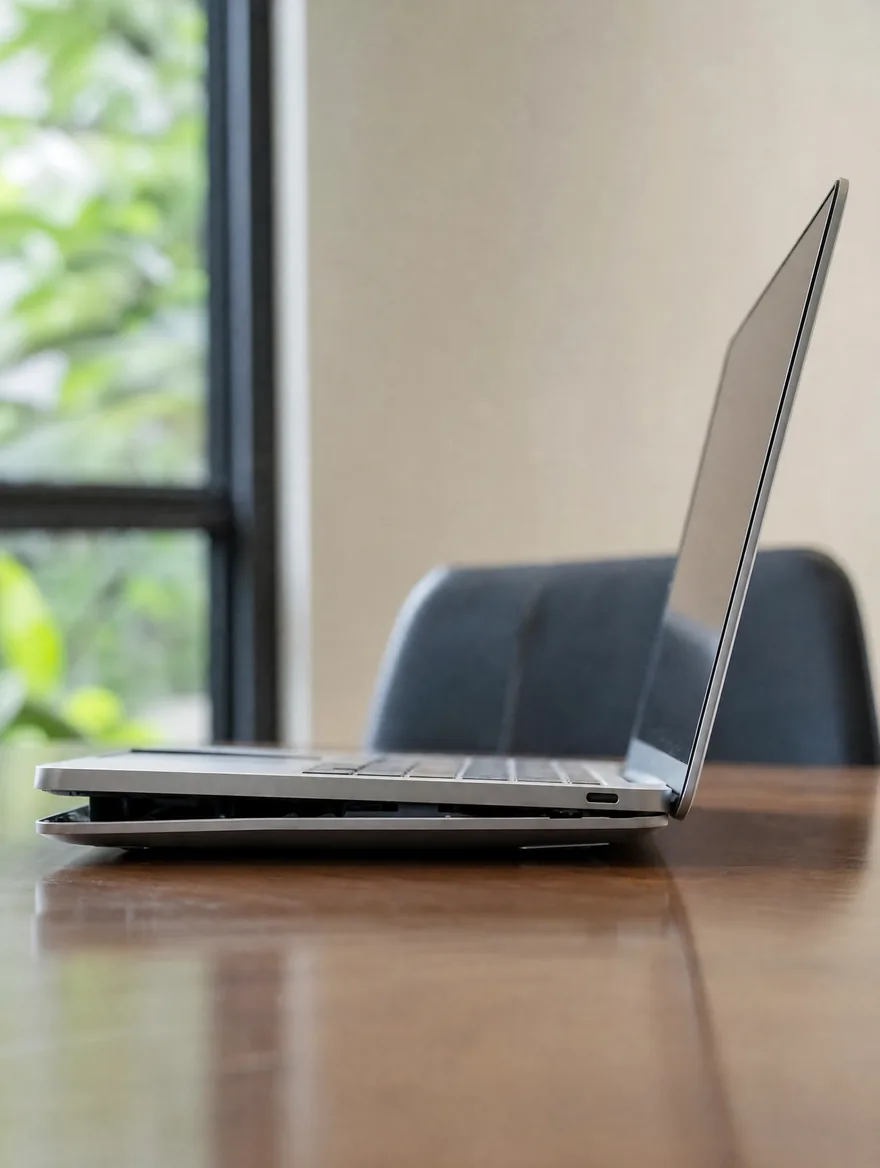
- Trackpad stiff or raised (check the battery)
How the repair works
- Bring your MacBook to any of our three branches.
- We check it for free and tell you the price and the time.
- You say yes before we start.
- We repair it, test it and message you when it’s ready.
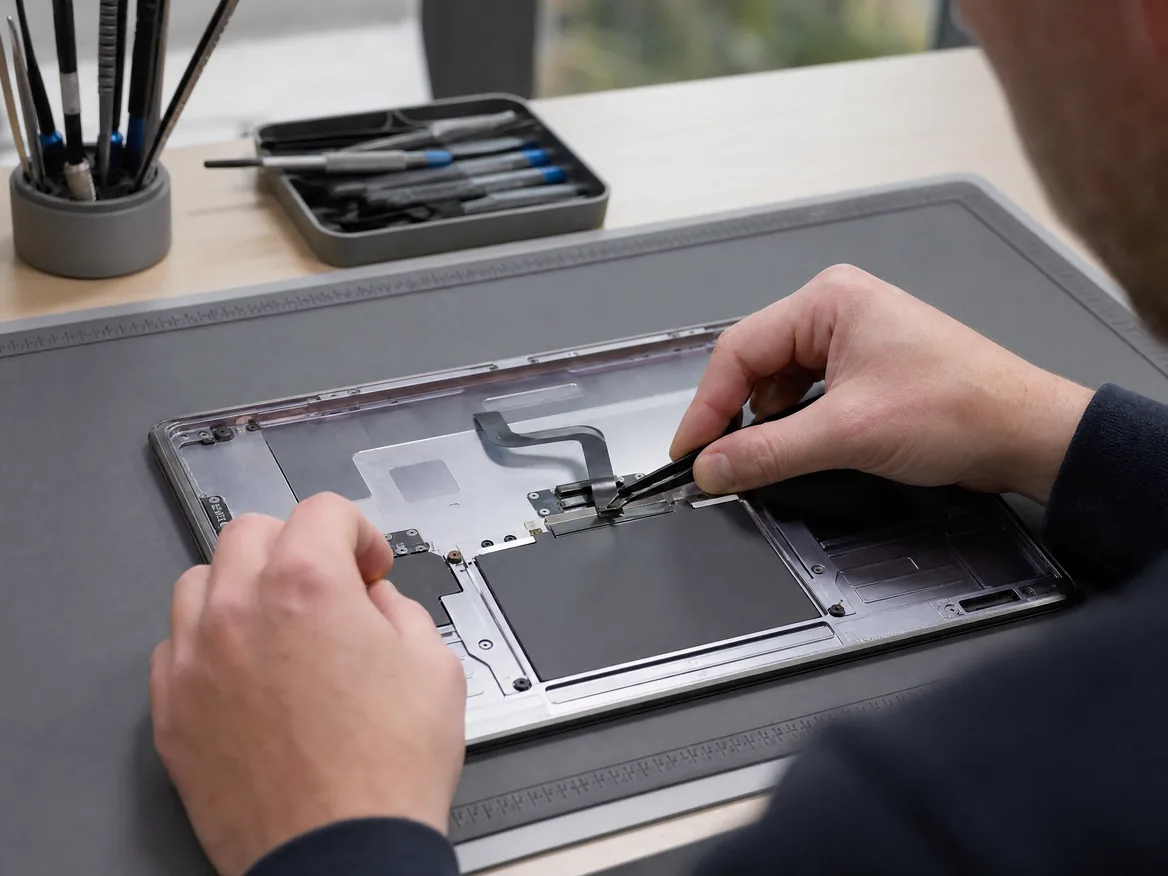
Apple Certified Independent Repair Provider
Apple-trained technicians, Genuine Apple parts and Apple’s own diagnostic tools on every MacBook repair.
KissMyMac or an Apple service centre?
| KissMyMac® | Apple Authorised Service Centre | |
|---|---|---|
| Genuine Apple parts | Yes | Yes |
| Apple-certified technicians | Yes | Yes |
| Diagnosis | Free, always | May be charged |
| Turnaround | 30 to 45 minutes | 3 to 7 working days |
| No Fix, No Pay | Yes | No |
| Apple warranty after repair | Stays intact | Stays intact |
| Repair warranty | 12 months | 90 days |
| Walk-ins | Yes | Appointment needed |
Not near KL, PJ or Seremban? Mail it in.
Post your MacBook to our Taman Desa branch from anywhere in Malaysia, Sabah and Sarawak included. Free diagnosis, an unboxing video on WhatsApp, and free return shipping, fixed or not.
MacBook trackpad replacement near you
Walk in, no appointment needed. Monday to Friday 11am to 7pm, Saturday 11am to 3pm.
Taman Desa, Kuala Lumpur
Lot 203A, Second Floor, Faber Towers, Jalan Desa Bahagia, 58100 Kuala Lumpur
Areas we serve from here
Damansara Uptown, Petaling Jaya
98M, Jalan SS 21/39, Damansara Utama, 47400 Petaling Jaya
Areas we serve from here
Seremban 2, Negeri Sembilan
No. 56-1, Jalan S2 B18, Pusat Dagangan Seremban 2, 70300 Seremban
Areas we serve from here
Other MacBook repairs
Same branches, same free check, same No Fix, No Pay.
- MacBook Screen ReplacementCracked, lines, black screen, stage light
- MacBook Battery ReplacementService Recommended, drains fast, swollen
- MacBook Keyboard ReplacementSticky, repeating or dead keys, missing keycap
- MacBook Touch Bar ReplacementFlickering, blank or white Touch Bar
- MacBook Touch ID ReplacementFingerprint not recognised, failed to enroll
- MacBook Logicboard RepairWon’t turn on, won’t charge, no display
- MacBook Speaker ReplacementCrackling, buzzing or no sound
- MacBook Water Damage RepairSpilled water, coffee or tea on it
- MacBook SSD UpgradeStorage full, slow Intel MacBook
- MacBook RAM UpgradeSlow with many apps open, Intel MacBook
- All MacBook repairs and upgradesEvery MacBook Air and MacBook Pro we repair
Questions people ask
How much does MacBook trackpad replacement cost in Malaysia?
At KissMyMac it costs RM250 to RM750 depending on the model. MacBook Air and MacBook Pro up to 2015 start at RM250, 2016 to 2022 models are RM300 to RM650, and M2 to M5 MacBook Air and 14″ and 16″ MacBook Pro are RM450 to RM750.
How much does MacBook Air trackpad replacement cost?
MacBook Air trackpad replacement is RM250 to RM650: RM250 to RM350 for 2010 to 2017, RM350 to RM500 for 2018 to 2020 and RM450 to RM650 for the 13″ and 15″ M2 to M5.
How much does MacBook Pro trackpad replacement cost?
MacBook Pro trackpad replacement is RM250 to RM750: RM250 to RM350 for 2010 to 2015, RM300 to RM650 for 2016 to 2020 Intel models, RM400 to RM500 for the 13″ M1 and M2, RM450 to RM650 for the 14″ and RM450 to RM750 for the 16″.
How much does MacBook Neo trackpad replacement cost?
From RM400 for the MacBook Neo (A3404). Its trackpad clicks mechanically instead of using Force Touch, so a stuck or missing click usually means a new trackpad. 12-month warranty.
Is the MacBook trackpad the same as the touchpad or mousepad?
Yes. Apple calls it the trackpad, many people call it the touchpad or mousepad. It’s the same part, and we replace it on every MacBook.
How long does MacBook trackpad replacement take?
30 to 45 minutes when the part is in stock. You can wait at the branch.
My MacBook trackpad won’t click. What’s wrong?
On Force Touch trackpads the click is made by a haptic coil. If there’s no click and no feedback even after a restart, the coil or the trackpad’s chip has failed and the trackpad needs replacing.
My MacBook touchpad is not responding. Is it broken?
Restart and plug in a mouse. If the mouse works but the touchpad stays dead, even at the login screen, the trackpad or its cable has failed. If the keyboard is dead too, the trackpad is the usual cause.
Why is my MacBook cursor moving by itself?
Ghost touches come from dirt, liquid or a failing sensor layer in the trackpad. Restart and try a mouse. If it still happens with the mouse, it’s software. If only the trackpad does it, it’s the trackpad.
My MacBook trackpad is stiff. Why?
Most often a swollen battery under it is pushing it up. Stop charging and bring it in. We replace the battery first, then check if the trackpad still needs replacing.
Can a faulty trackpad stop my MacBook keyboard from working?
Yes. On many MacBooks the keyboard connects through the trackpad. A faulty trackpad can make the keyboard stop working, make the fan run loud, and in bad cases stop the MacBook turning on.
Can I keep using a MacBook with a faulty trackpad?
With a mouse, for a while. But a faulty trackpad can affect the keyboard and power-on, so it’s better to replace it before it gets worse.
Will I lose my data?
No. A trackpad replacement doesn’t touch your storage or macOS.
Do you give a warranty on MacBook trackpad replacement?
Yes, 12 months on every trackpad replacement.
Which MacBook models do you replace trackpads for?
Every MacBook Air from 2010 to the 2026 M5 and every MacBook Pro from 2010 to the M5 Pro and M5 Max, plus the MacBook Neo.
Do I need an appointment?
No. Walk in to any branch. Bring your charger so we can test it with you.
Berapa harga tukar trackpad MacBook?
Harga tukar trackpad MacBook di KissMyMac antara RM250 hingga RM750, bergantung pada model. Biasanya siap dalam 30 hingga 45 minit. Waranti 12 bulan.
Trackpad MacBook saya tak boleh klik. Boleh baiki?
Boleh. Kami uji trackpad dan bateri secara percuma. Jika trackpad keras, biasanya bateri di bawahnya sudah kembung dan perlu ditukar dahulu.