iMac RAM Replacement & Memory Upgrade in Malaysia
iMac RAM upgrade and memory replacement for an iMac that slows down with many apps open, shows a spinning wheel, or crashes from a faulty memory stick. We upgrade RAM on every Intel iMac that allows it in KL, PJ and Seremban, from RM600, with a lifetime warranty on the memory.
Apple Certified Independent Repair Provider. Free diagnosis, and you pay nothing if we can’t fix it. Part of our iMac repair service.
Which iMac is it?
What’s it doing?
iMac RAM Replacement & Memory Upgrade: the short answer
From RM600
21.5-inch and 27-inch iMacs from 2009 to 2011 from RM600. 21.5-inch 2012 to 2019 and 27-inch 2012 to 2020 from RM700.
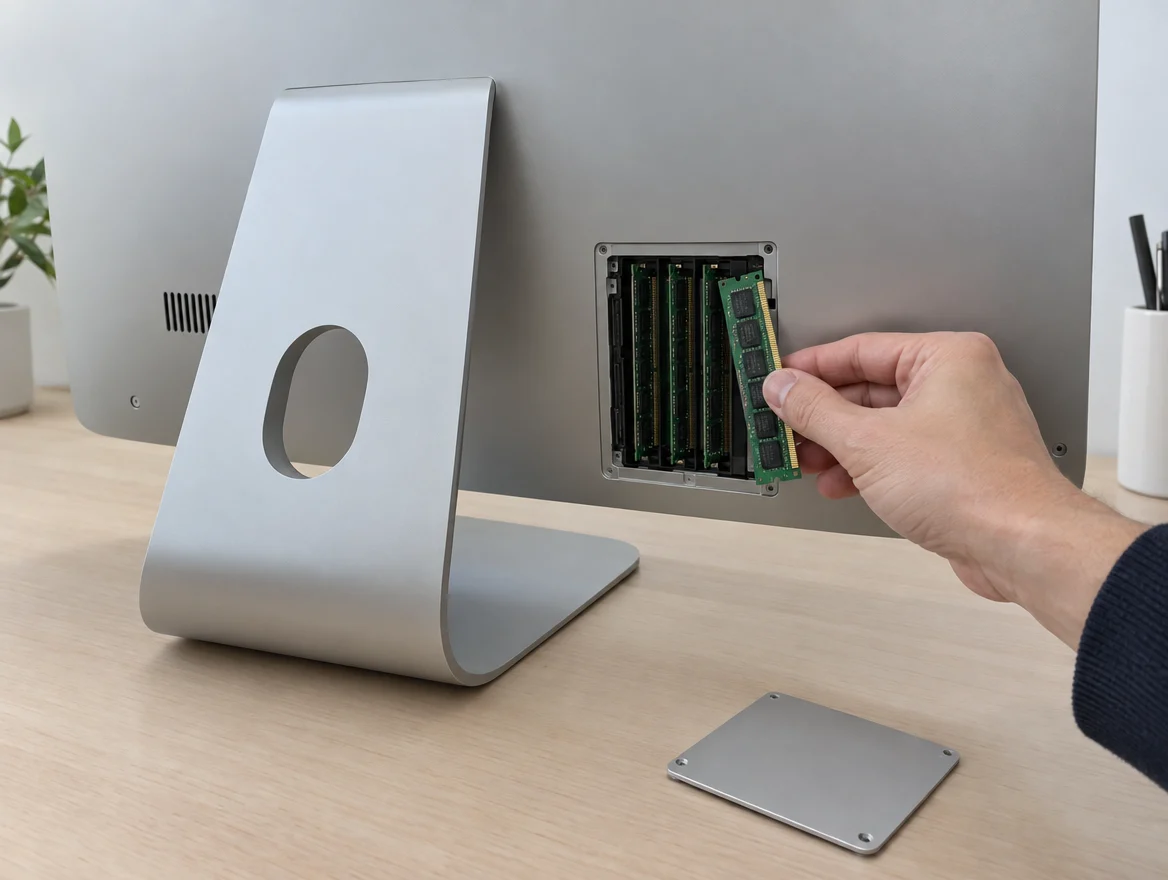
27-inch iMac: the easiest upgrade
There’s a memory door at the back, so it’s a quick job, often while you wait.
21.5-inch, 2012 to 2019: technician only
The screen has to come off to reach the slots. Late 2015 models have RAM soldered to the board and can’t be upgraded.
24-inch M1, M3, M4: not upgradable
The memory is built into the M chip. Storage can still be upgraded.
Pair it with an SSD
On older iMacs, RAM plus an SSD gives the biggest speed jump.
Lifetime warranty, No Fix No Pay
Every RAM upgrade carries a lifetime warranty on the memory. The check is free.
Why can’t you upgrade the RAM on a 24-inch M1, M3 or M4 iMac?
The RAM is inside the chip
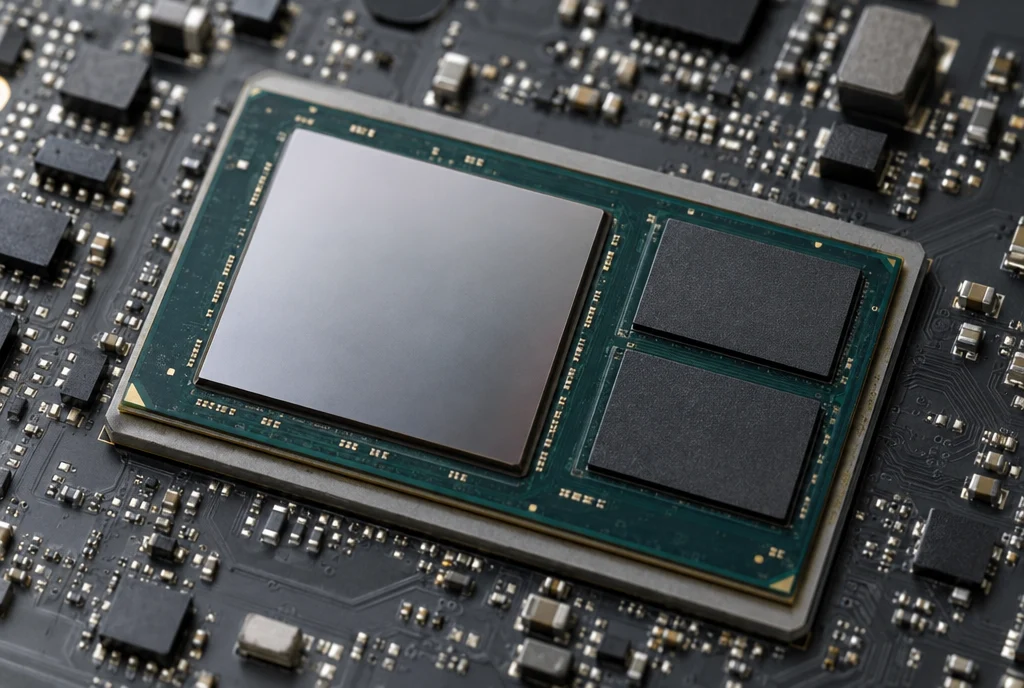
On Intel iMacs, memory sits in slots on the board, sticks you can pull out and replace. On M1, M3 and M4 iMacs, Apple puts the memory inside the same package as the processor, a few millimetres from it.
Shared by everything
Apple calls it unified memory. The processor, graphics and Neural Engine all use one shared pool, with no copying between them. That’s a big part of why M-series iMacs feel fast with less RAM.
Fast, but fixed
Because the memory is part of the chip, there’s no slot to add more. Changing it would mean changing the chip itself. The amount you bought is the amount it keeps.
What you can do instead
Close apps you aren’t using, free up storage so macOS has room to work, or upgrade the SSD. Buying new? Choose at least 16GB.
Storage is different
The storage chips sit on the board, outside the M chip, so we can upgrade storage by soldering in larger ones.
iMac RAM upgrade price in Malaysia
iMac RAM upgrade costs from RM600 at KissMyMac®, depending on the model and how much memory you add. Every stick is tested before you collect, and every RAM upgrade carries a lifetime warranty on the memory.
Prices updated October 2026. Final price confirmed after the free check.
Check before you upgrade
Two free checks that tell you what you have and what you need.
- Apple menu, About This Mac: note the size, year and memory
- Activity Monitor, Memory tab: yellow or red pressure means you need more
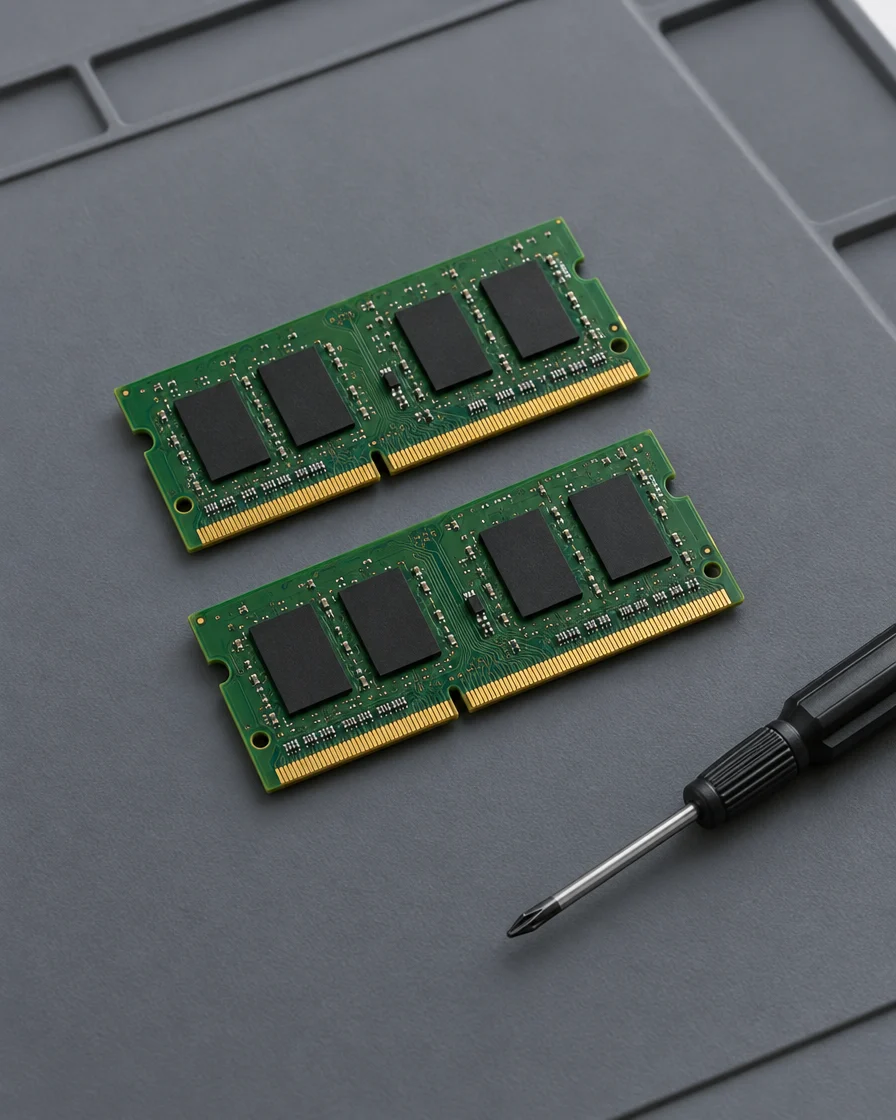
Signs you need more RAM
Any of these and more memory will help.
- Slow with many apps or tabs open
- Spinning wheel when switching apps
- “Your system has run out of application memory”
- Photo or video apps lag
- Memory pressure in yellow or red
- Crashes or startup beeps from a faulty stick
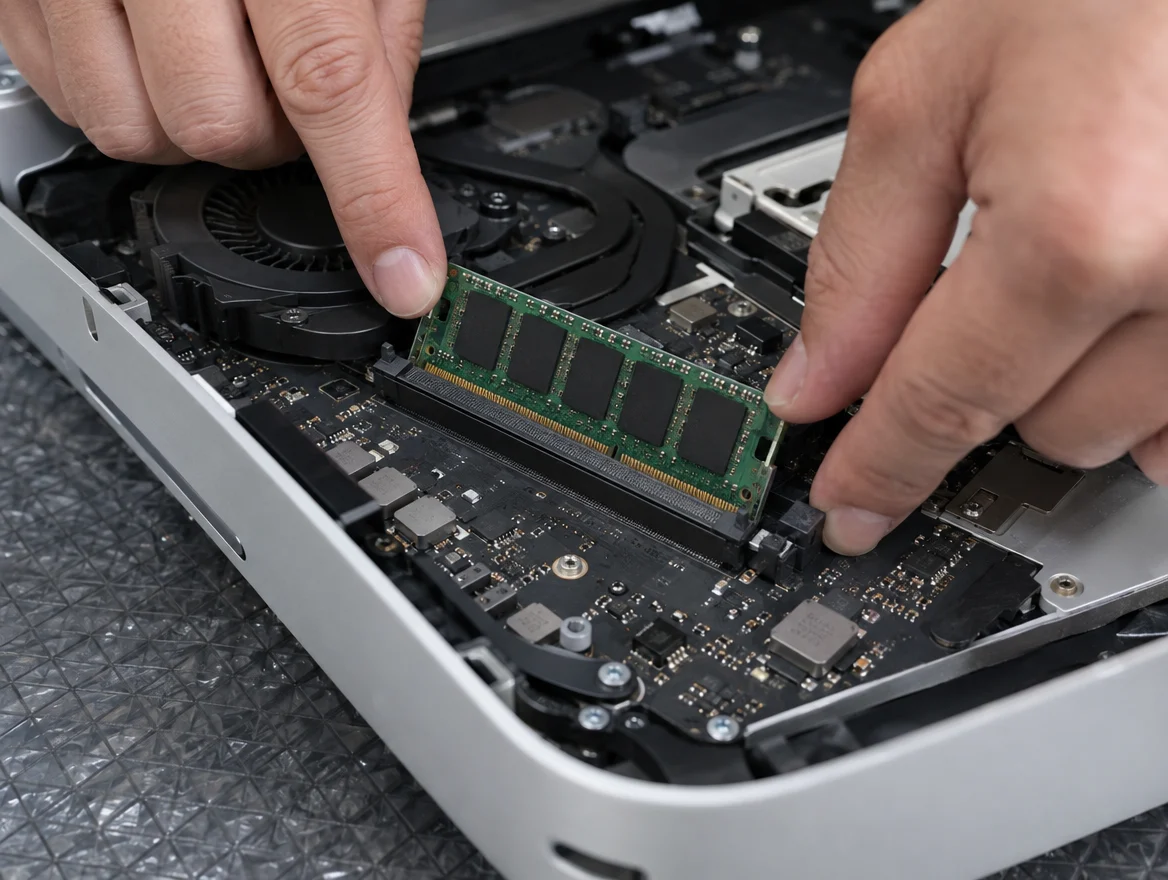
How the repair works
- Bring your iMac to any of our three branches.
- We check what fits and quote, free.
- You say yes before we start.
- We test every stick and message you when it’s ready.
Apple Certified Independent Repair Provider
Apple-trained technicians and Apple’s own diagnostic tools on every iMac repair.
KissMyMac or an Apple service centre?
| KissMyMac® | Apple Authorised Service Centre | |
|---|---|---|
| Genuine Apple parts | Yes | Yes |
| Apple-certified technicians | Yes | Yes |
| Diagnosis | Free, always | May be charged |
| Turnaround | Often while you wait on 27-inch | 3 to 7 working days |
| No Fix, No Pay | Yes | No |
| Apple warranty after repair | Stays intact | Stays intact |
| Repair warranty | Lifetime on RAM | 90 days |
| Walk-ins | Yes | Appointment needed |
Not near KL, PJ or Seremban? Mail it in.
Post your iMac to our Taman Desa branch from anywhere in Malaysia, Sabah and Sarawak included. Free diagnosis, an unboxing video on WhatsApp, and free return shipping, fixed or not. Desktops travel at your own risk, so use the original box if you have it.
iMac RAM upgrade near you
Walk in, no appointment needed. Monday to Friday 11am to 7pm, Saturday 11am to 3pm.
Taman Desa, Kuala Lumpur
Lot 203A, Second Floor, Faber Towers, Jalan Desa Bahagia, 58100 Kuala Lumpur
Areas we serve from here
Damansara Uptown, Petaling Jaya
98M, Jalan SS 21/39, Damansara Utama, 47400 Petaling Jaya
Areas we serve from here
Seremban 2, Negeri Sembilan
No. 56-1, Jalan S2 B18, Pusat Dagangan Seremban 2, 70300 Seremban
Areas we serve from here
Other iMac repairs
Same branches, same free check, same No Fix, No Pay.
- iMac Screen ReplacementCracked, lines, flickering
- iMac Power Supply ReplacementPop sound, won’t turn on
- iMac Speaker ReplacementNo sound, crackling, very soft
- iMac Logicboard RepairNo power, no picture, liquid damage
- iMac Hard Drive Replacement & SSD UpgradeSlow, folder with a question mark
- All iMac repairsEvery model and repair we do
Questions people ask
How much does an iMac RAM upgrade cost in Malaysia?
At KissMyMac it starts from RM600. 21.5-inch and 27-inch iMacs from 2009 to 2011 are from RM600, and 21.5-inch 2012 to 2019 and 27-inch 2012 to 2020 are from RM700. The final price depends on how much memory you add.
Can I upgrade the RAM on my iMac?
27-inch iMacs from 2009 to 2020 and 21.5-inch iMacs from 2009 to 2011 have a memory door. Most 21.5-inch iMacs from 2012 to 2019 can be upgraded by a technician. Late 2015 21.5-inch models and the 24-inch M1, M3 and M4 can’t be upgraded.
Why can’t I upgrade the RAM on a 24-inch M1, M3 or M4 iMac?
The memory is built into the same package as the M chip and shared by the processor and graphics. There’s no slot, so it stays the size you bought. Storage can still be upgraded.
How much RAM does my iMac need?
8GB for browsing and office work, 16GB for photo editing and many tabs, and 32GB or more for video and pro apps.
What’s the maximum RAM for a 27-inch iMac?
128GB on the 2020 model, 64GB on 2017 and 2019, 32GB on 2012 to 2015, and 16GB on 2009 to 2011.
Should I upgrade RAM or SSD first?
If your iMac still has a spinning hard drive, the SSD first. It makes the biggest difference. Add RAM if you run many apps or heavy software.
How long does an iMac RAM upgrade take?
Often while you wait on 27-inch iMacs. 21.5-inch models take longer because the screen has to come off.
How do I check how much RAM my iMac has?
Click the Apple menu, then About This Mac. Memory is listed there.
Will I lose my data?
No. A RAM upgrade doesn’t touch your storage.
Do you give a warranty on iMac RAM?
Yes, a lifetime warranty on the memory we fit.
Do I need an appointment?
No. Walk in to any branch. iMacs are big, so call ahead and we’ll be ready at the door.
Boleh upgrade RAM iMac M1?
Tidak. RAM iMac 24 inci M1, M3 dan M4 terbina dalam cip M dan tidak boleh ditambah. iMac Intel boleh di-upgrade bermula RM600. Pemeriksaan percuma di KL, PJ dan Seremban.