
iPhone Charging Port Replacement in Malaysia
iPhone charging port replacement for an iPhone that won’t charge, a loose cable, charging only at an angle or one side, or charging wirelessly but not with the cable. We replace Lightning and USB-C ports in KL, PJ and Seremban from RM150, usually the same day.
Apple Certified Independent Repair Provider. Free diagnosis, and you pay nothing if we can’t fix it. Part of our iPhone repair service.
Which iPhone is it?
What happens when you plug it in?
From RM600
Lint first, then a worn port
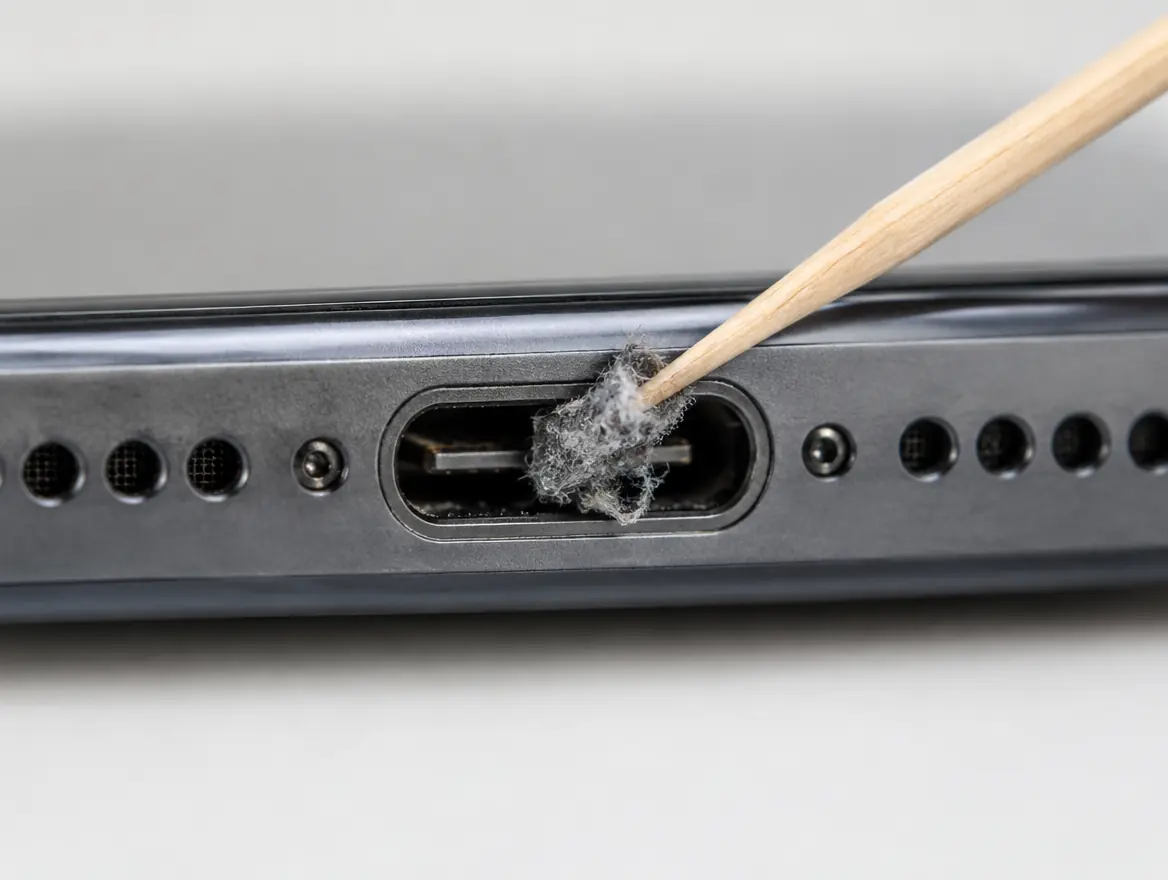
A good port grips the plug with a firm click. Pocket lint packed inside stops it clicking in, so clear it with a wooden toothpick first. Still loose? The springs inside are worn and the port needs replacing.
Send this to WhatsAppiPhone not charging: the short answer
From RM150
iPhone 6 to 8 from RM150, iPhone X and 11 series from RM250, up to iPhone 18 series from RM600. Confirmed after a free check.
Check the cable first
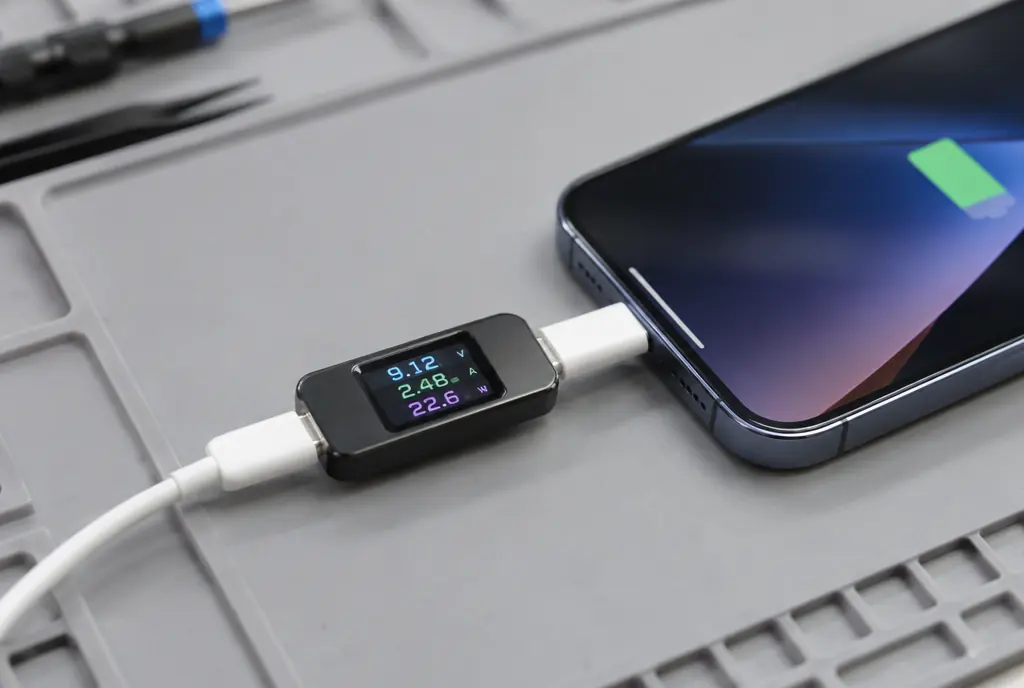
Try another Apple or MFi cable and a 20W wall adapter. A worn cable is a common cause and costs nothing to rule out.
Then clear the lint
Switch off and lift lint out with a wooden toothpick. Never use anything metal.
Loose, angle, one side or wireless only
Any of these means the port is worn and needs replacing. Cleaning won’t fix worn contacts.
Burnt or wet: stop charging
Black marks or liquid in the port can short the board. Switch it off and bring it in for a free check.
Free check, No Fix No Pay
Port, battery and board fail in similar ways. We test which one it is for free and quote only for that.
iPhone charging port replacement prices
iPhone charging port replacement costs from RM150 at KissMyMac®, depending on the model. Every new port is tested for charging and data before you collect. Every job comes with a 90-day warranty.
Prices updated October 2026. Final price confirmed after the free check.
Two free checks first
These fix a lot of iPhones that seem to have a broken charging port.
- Use another Apple or MFi cable and a 20W wall adapter
- Switch off, then clear lint with a wooden toothpick
When it really is the port
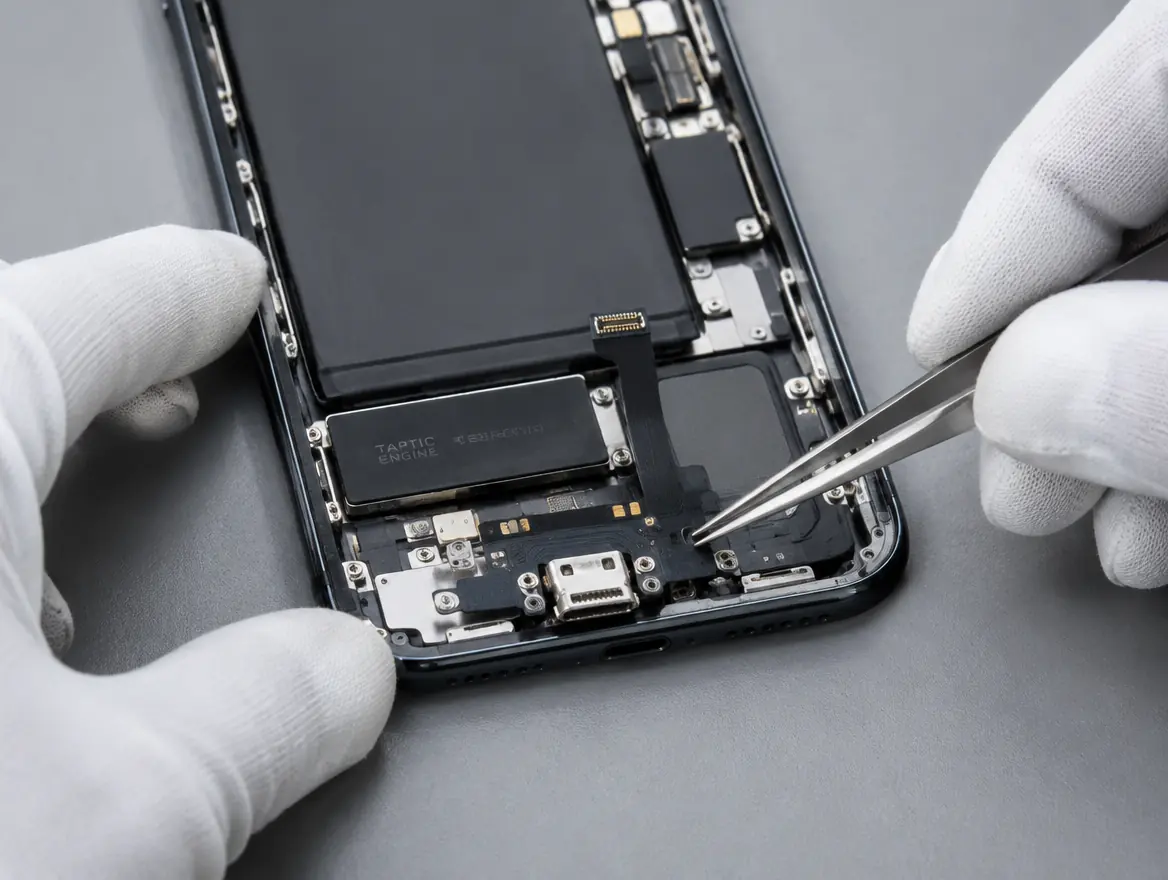
If the checks didn’t help and any of these sound familiar, the port is worn, burnt or corroded and needs replacing.
- The plug wobbles, or no longer clicks in firmly
- It only charges when held at an angle
- It charges one way, but not when you flip the cable
- Wireless charging works, the cable doesn’t
- “Liquid Detected” when the port is dry
- Black or burnt marks inside the port
How the repair works
- Walk in to any of our three branches.
- We find the fault and quote, free.
- You say yes before we start.
- We message you the moment it’s ready.
Apple Certified Independent Repair Provider
Apple-trained technicians, genuine Apple parts and Apple’s own diagnostic tools on every iPhone repair. Your Apple warranty stays intact.
KissMyMac or an Apple service centre?
| KissMyMac® | Apple Authorised Service Centre | |
|---|---|---|
| Genuine Apple parts | Yes | Yes |
| Apple-certified technicians | Yes | Yes |
| Diagnosis | Free, always | May be charged |
| Turnaround | Same day for most repairs | 3 to 7 working days |
| No Fix, No Pay | Yes | No |
| Apple warranty after repair | Stays intact | Stays intact |
| Repair warranty | Up to 12 months | 90 days |
| Walk-ins | Yes | Appointment needed |
Not near KL, PJ or Seremban? Mail it in.
Post your iPhone to our Taman Desa branch from anywhere in Malaysia, Sabah and Sarawak included. Free diagnosis, an unboxing video on WhatsApp, and free return shipping, fixed or not.
iPhone charging port repair near you
Walk in, no appointment needed. Monday to Friday 11am to 7pm, Saturday 11am to 3pm.
Taman Desa, Kuala Lumpur
Lot 203A, Second Floor, Faber Towers, Jalan Desa Bahagia, 58100 Kuala Lumpur
Areas we serve from here
Damansara Uptown, Petaling Jaya
98M, Jalan SS 21/39, Damansara Utama, 47400 Petaling Jaya
Areas we serve from here
Seremban 2, Negeri Sembilan
No. 56-1, Jalan S2 B18, Pusat Dagangan Seremban 2, 70300 Seremban
Areas we serve from here
Other iPhone repairs
Same branches, same free check, same No Fix, No Pay.
- iPhone Screen ReplacementCracked, lines, no display
- iPhone Battery ReplacementDraining fast, health under 80%
- iPhone Camera ReplacementShaking, blurry, won’t focus
- iPhone Camera Lens ReplacementCracked camera lens glass
- iPhone Back Glass ReplacementCracked or shattered back
- iPhone Logic Board RepairWon’t turn on, water damage
- iPhone TrueDepth Camera, Front Camera & Face ID RepairTrueDepth camera, front camera, Face ID
- All iPhone repairsEvery model and repair we do
Questions people ask
How much does iPhone charging port replacement cost in Malaysia?
At KissMyMac it starts from RM150. iPhone 6 to 8 from RM150, iPhone SE 2 and 3, X series and 11 series from RM250, iPhone 12 series from RM350, iPhone 13 and 14 series from RM380, iPhone 15 series from RM400, iPhone 16 series from RM450, iPhone 17 series from RM490 and iPhone 18 series from RM600.
Why is my iPhone not charging when plugged in?
In order: a faulty cable or adapter, lint packed in the port, a worn or corroded port, a dead battery, or a charging chip fault on the board. The free check tells you which.
Why is my iPhone charging port loose?
Usually pocket lint packed in stops the plug clicking in. Clear it gently with a wooden toothpick. If it’s still loose, the springs inside the port are worn and the port needs replacing.
Why does my iPhone charge on one side but not the other?
The plug works both ways round, so the port has contacts on both sides. When one side wears out or gets damaged, it only charges one way. Try another cable first. If every cable does the same, the port needs replacing.
My iPhone charges wirelessly but not with the cable. Why?
The battery and board are working, so the charging port is the problem. A new port fixes it.
What does “Liquid Detected in Lightning Connector” mean?
There’s moisture in the port. Unplug, let it dry for at least 30 minutes and don’t use rice. If the alert appears when the port is dry, the port is corroded.
My iPhone charging port looks burnt. What should I do?
Stop charging it. Black or brown marks mean the port shorted and overheated, often from a damaged or non-original cable or charger. We replace the port and test the charging circuit on the board before you collect.
My iPhone got wet and won’t charge. Can it be fixed?
Usually, yes. Switch it off, don’t charge it and don’t put it in rice. Bring it in so we can clean and test it free. If only the port is affected, it’s a port replacement. If the board is damaged too, we quote that before we start.
My iPhone stops charging at 80%. Is the port broken?
Usually not. Optimised Battery Charging, or the 80% Limit setting on iPhone 15 and newer, holds it at 80% on purpose. Check Settings > Battery > Charging. A hot iPhone also pauses charging until it cools down.
Does my iPhone have Lightning or USB-C?
iPhone 15 and newer, including iPhone 16, 17 and iPhone Air, use USB-C. iPhone 14 and older use Lightning.
Can I clean the iPhone charging port myself?
Yes, carefully. Switch off and use a wooden toothpick. Don’t use metal pins or SIM tools, and don’t blow into the port.
iPhone tak boleh charge, what should I check first?
Try another cable and a 20W wall adapter, then clear lint from the port with a wooden toothpick. Still not charging? Bring it to any branch for a free check.
Will I lose my data?
No. A charging port replacement doesn’t touch your storage.
Do you give a warranty on iPhone charging port replacement?
Yes, 90 days on the new charging port.
Berapa harga tukar charging port iPhone?
Harga tukar charging port iPhone di KissMyMac bermula RM150 bergantung pada model. Biasanya siap pada hari yang sama di KL, PJ dan Seremban. Diagnosis percuma.