Mac Studio SSD Upgrade in Malaysia
Mac Studio SSD upgrade and storage replacement for a Mac Studio that’s full, still on the base 512GB, living off external drives, or showing a folder with a question mark. We fit larger matched storage modules on every Mac Studio, from the 2022 M1 Max and M1 Ultra to the 2026 M5 Max and M5 Ultra, up to 8TB, or 16TB on the M3 Ultra and M5 Ultra, in KL, PJ and Seremban, from RM2,000.
Apple Certified Independent Repair Provider. Free diagnosis, and you pay nothing if we can’t fix it. Part of our Mac Studio repair service.
Which Mac Studio is it?
What do you need?
Mac Studio SSD Upgrade: the short answer
From RM2,000
The Mac Studio M1 is from RM2,000, the M2 from RM2,200 and the 2025 M4 Max and M3 Ultra from RM2,800. The 2026 M5 is quoted after a free check. Price depends on the capacity.
Up to 8TB, or 16TB on Ultra
Every Mac Studio goes up to 8TB. The M3 Ultra and M5 Ultra go up to 16TB.
The modules are paired to the chip
The storage controller sits inside the M-series chip and the modules are just flash. New modules are fitted and the Mac Studio is restored with Apple Configurator to pair them.
Back up first
The new storage starts empty and macOS is installed fresh. Back up with Time Machine before you bring it in.
Usually 2 to 3 working days
Fitting the modules is quick. The restore and testing take the rest of the time. We message you when it’s ready.
1-year warranty, No Fix No Pay
Every SSD upgrade carries a 1-year warranty. You only pay if it works.
Can the SSD in a Mac Studio be upgraded?
Yes, it sits on modules
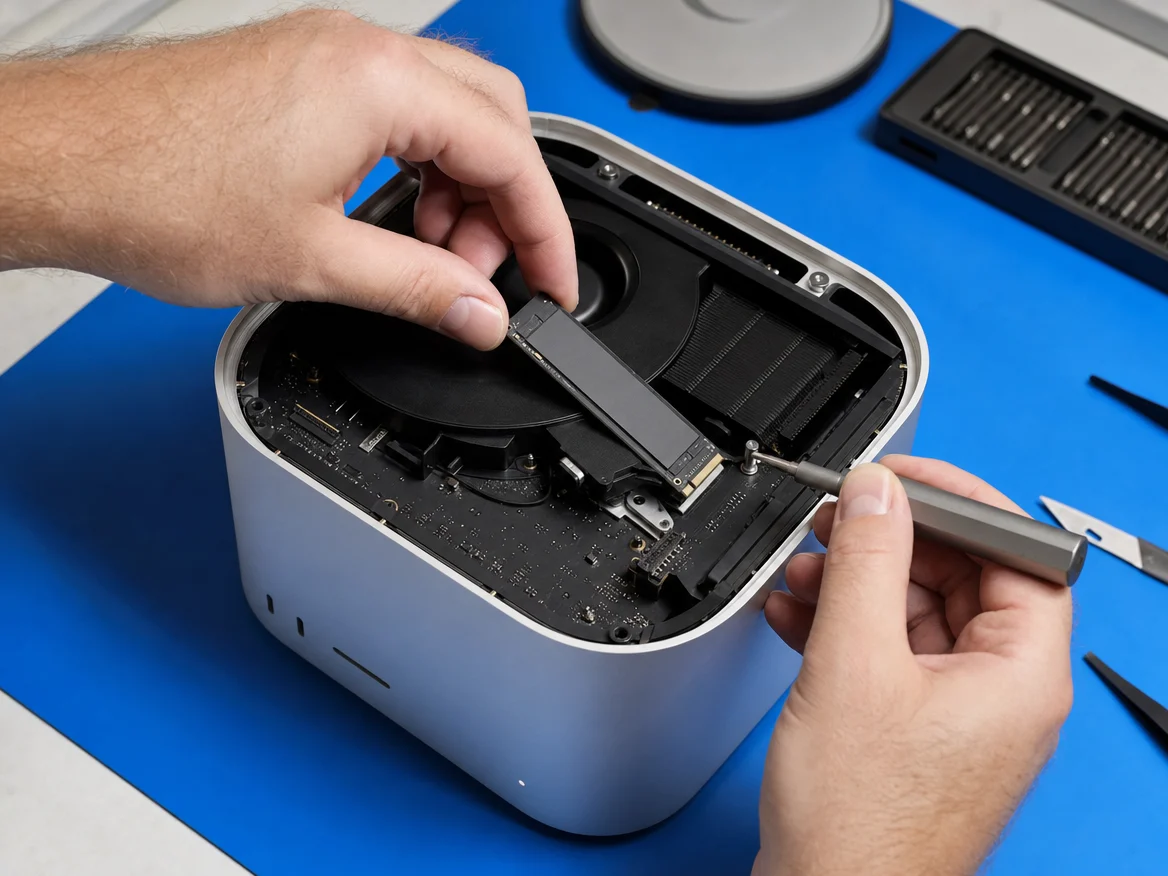
Every Mac Studio has two storage slots inside the base. Apple fits one or two modules depending on the capacity you bought.
It’s not a normal SSD
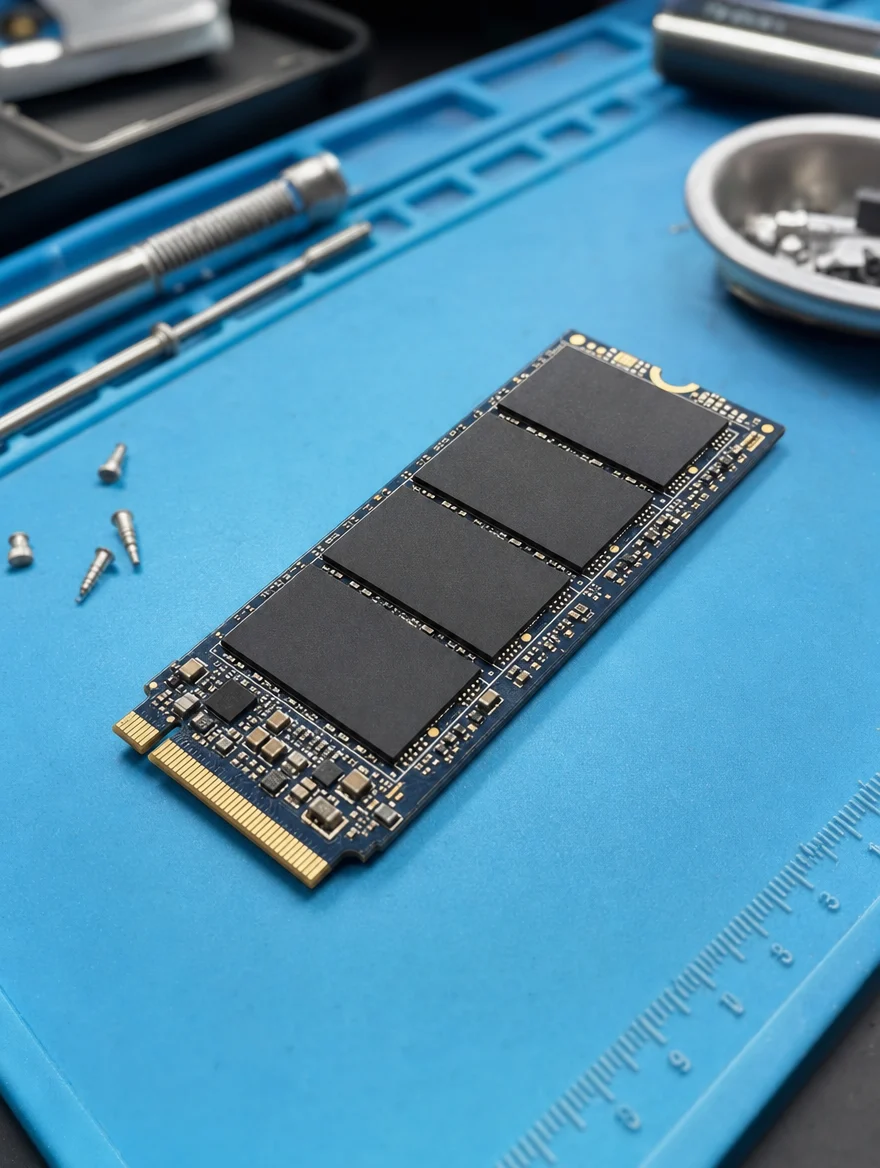
The modules are bare flash with no controller of their own. A standard NVMe SSD won’t work in a Mac Studio.
Matched modules
When both slots are used, the two modules must match. We fit them as a matched set so the Mac Studio sees one fast drive.
Paired with Apple’s tools
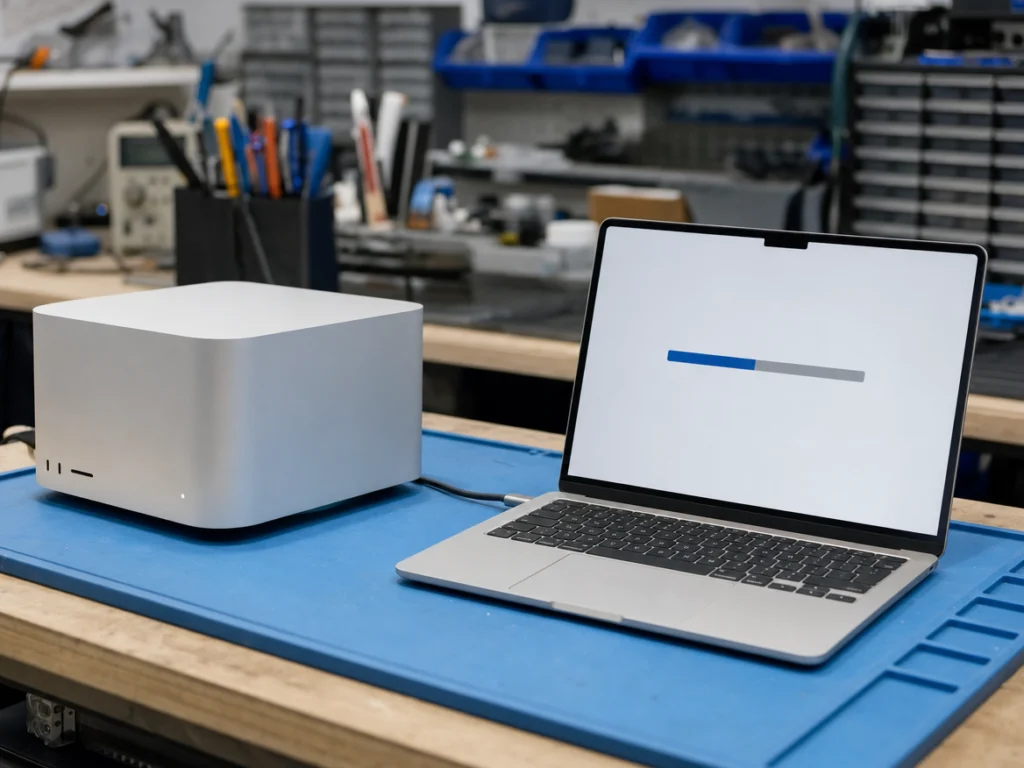
After fitting, the Mac Studio is restored in DFU mode with Apple Configurator. That pairs the new storage with the chip.
macOS is installed fresh
Everything on the old storage is erased. After the upgrade you restore your files from Time Machine or iCloud.
RAM stays the same
The memory is built into the M-series chip and can’t be added. Storage is the upgrade that is still possible.
Mac Studio SSD upgrade price in Malaysia
Mac Studio SSD upgrade costs from RM2,000 at KissMyMac®, depending on the model and the capacity you choose. Every Mac Studio is speed-tested and checked after the restore, and every SSD upgrade carries a 1-year warranty.
Prices updated October 2026. Final price confirmed after the free check.
Before you carry it in
Three things to do at home.
- Back up with Time Machine or iCloud
- Know your Apple ID password, you’ll need it after the restore
- Note how much space your files take, so you pick the right size
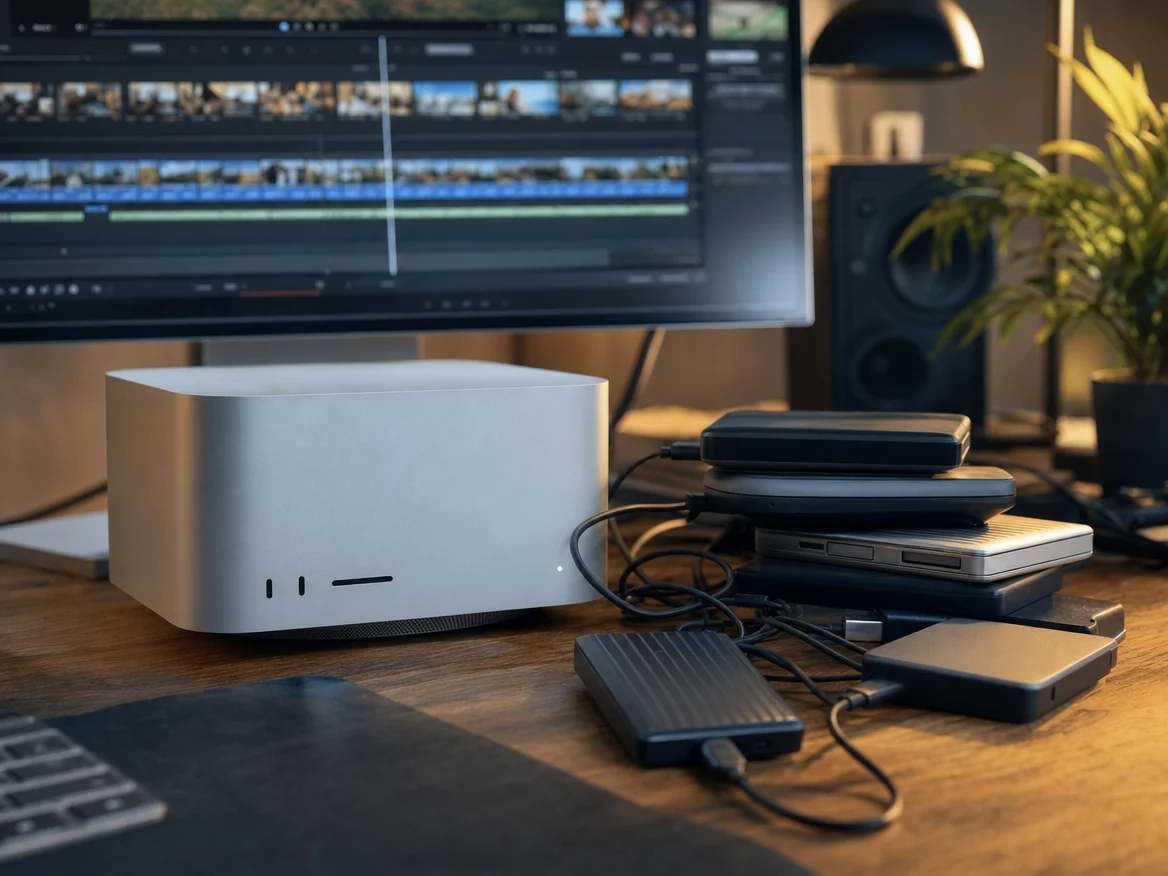
When an SSD upgrade is the fix
Any of these and more storage will help.
- “Startup disk almost full” warnings
- Still on the base 512GB
- Projects living on external drives
- Slow exports with little free space
- Folder with a question mark at startup
- Disk Utility shows SSD errors
How the repair works
- Bring your Mac Studio, backed up, to any of our three branches.
- We check the storage and the board, free.
- You choose the size and say yes before we start.
- We fit the new modules, restore macOS and test it before you collect.
Apple Certified Independent Repair Provider
Apple-trained technicians and Apple’s own diagnostic tools on every Mac Studio repair.
KissMyMac or an Apple service centre?
| KissMyMac® | Apple Authorised Service Centre | |
|---|---|---|
| Genuine Apple parts | Yes | Yes |
| Apple-certified technicians | Yes | Yes |
| Diagnosis | Free, always | May be charged |
| Turnaround | 2 to 3 working days | 3 to 7 working days |
| No Fix, No Pay | Yes | No |
| Apple warranty after repair | Stays intact | Stays intact |
| Repair warranty | 1 year | 90 days |
| Walk-ins | Yes | Appointment needed |
Not near KL, PJ or Seremban? Mail it in.
Post your Mac Studio to our Taman Desa branch from anywhere in Malaysia, Sabah and Sarawak included. Free diagnosis, an unboxing video on WhatsApp, and free return shipping, fixed or not. Desktops travel at your own risk, so use the original box if you have it.
Mac Studio SSD upgrade near you
Walk in, no appointment needed. Monday to Friday 11am to 7pm, Saturday 11am to 3pm.
Taman Desa, Kuala Lumpur
Lot 203A, Second Floor, Faber Towers, Jalan Desa Bahagia, 58100 Kuala Lumpur
Areas we serve from here
Damansara Uptown, Petaling Jaya
98M, Jalan SS 21/39, Damansara Utama, 47400 Petaling Jaya
Areas we serve from here
Seremban 2, Negeri Sembilan
No. 56-1, Jalan S2 B18, Pusat Dagangan Seremban 2, 70300 Seremban
Areas we serve from here
Other Mac Studio repairs
Same branches, same free check, same No Fix, No Pay.
- Mac Studio Power Supply ReplacementDead after a power trip, pop sound, shuts down under load
- Mac Studio Logicboard RepairDead, no display, kernel panics, liquid damage
- Mac Studio Port RepairDead Thunderbolt, USB-C, HDMI, Ethernet or SD slot
- Mac Studio Cleaning & Thermal PasteLoud fan, overheating, slow under load
- All Mac Studio repairsEvery model and repair we do
Questions people ask
How much does a Mac Studio SSD upgrade cost in Malaysia?
At KissMyMac it starts from RM2,000. The Mac Studio M1 Max and M1 Ultra (2022) are from RM2,000, the M2 Max and M2 Ultra (2023) from RM2,200, and the 2025 M4 Max and M3 Ultra from RM2,800. The 2026 M5 Max and M5 Ultra are quoted after a free check. The price depends on the capacity.
Can the SSD in a Mac Studio be upgraded?
Yes. Mac Studio storage sits on removable modules. We fit larger matched modules and restore the Mac Studio with Apple Configurator to pair them with the chip.
How much storage can I upgrade my Mac Studio to?
Up to 8TB on every Mac Studio, and up to 16TB on the M3 Ultra and M5 Ultra.
Can I put a normal NVMe SSD in a Mac Studio?
No. The modules are bare flash and the storage controller is inside the M-series chip, so a standard NVMe SSD won’t work.
Will I lose my data?
Yes, the new storage starts empty and macOS is installed fresh. Back up with Time Machine or iCloud before you bring it in, then restore your files after.
How long does a Mac Studio SSD upgrade take?
Usually 2 to 3 working days. We message you when it’s ready.
My Mac Studio shows a folder with a question mark. What does it mean?
It can’t find its startup disk. It’s usually a failed storage module or damaged firmware. We check for free and tell you which before we start.
Can you replace a failed Mac Studio SSD?
Yes. We replace the failed module, restore macOS and test the storage before you collect. If the fault is on the logicboard instead, we quote that first.
Can you upgrade the RAM at the same time?
No. The memory is built into the M-series chip and can’t be upgraded. Storage is the upgrade that is still possible.
Is upgrading the internal storage better than an external drive?
For projects you work on every day, yes. Internal storage is faster and there’s nothing to unplug. External drives are still fine for archives and backups.
Do I need my Apple ID after the upgrade?
Yes. After the restore you sign in with your Apple ID, and if Find My is on, you need it to unlock the Mac Studio.
Do you give a warranty on Mac Studio SSD upgrades?
Yes, 1 year on every SSD upgrade.
Do I need an appointment?
No. Walk in to any branch with your Mac Studio backed up.
Storage Mac Studio saya penuh. Boleh upgrade SSD?
Boleh. Kami pasang modul storage yang lebih besar dan restore macOS dengan Apple Configurator, sehingga 8TB, atau 16TB pada M3 Ultra dan M5 Ultra. Buat backup dahulu kerana storage baharu bermula kosong.
Berapa harga upgrade SSD Mac Studio?
Harga upgrade SSD Mac Studio di KissMyMac bermula RM2,000, bergantung pada model dan saiz storage. Pemeriksaan percuma.