Mac mini SSD Upgrade in Malaysia
Mac mini SSD upgrade and replacement for a Mac mini that’s full, slow, shows a folder with a question mark, or won’t boot. We swap the hard drive for an SSD on Intel Mac minis, solder larger storage onto the 2018, M1 and M2, and fit a bigger module in the M4, up to 2TB, in KL, PJ and Seremban, from RM659.
Apple Certified Independent Repair Provider. Free diagnosis, and you pay nothing if we can’t fix it. Part of our Mac mini repair service.
Which Mac mini is it?
What’s the problem?
Mac mini SSD Upgrade: the short answer
From RM659
Intel Mac minis from 2010 to 2014 are from RM659 for a drive swap. The 2018, M1, M2 and M2 Pro are from RM850, upgraded by soldering. The M4 and M4 Pro are from RM1,500 with a bigger storage module. Final price depends on the size, up to 2TB.
Slow Mac mini
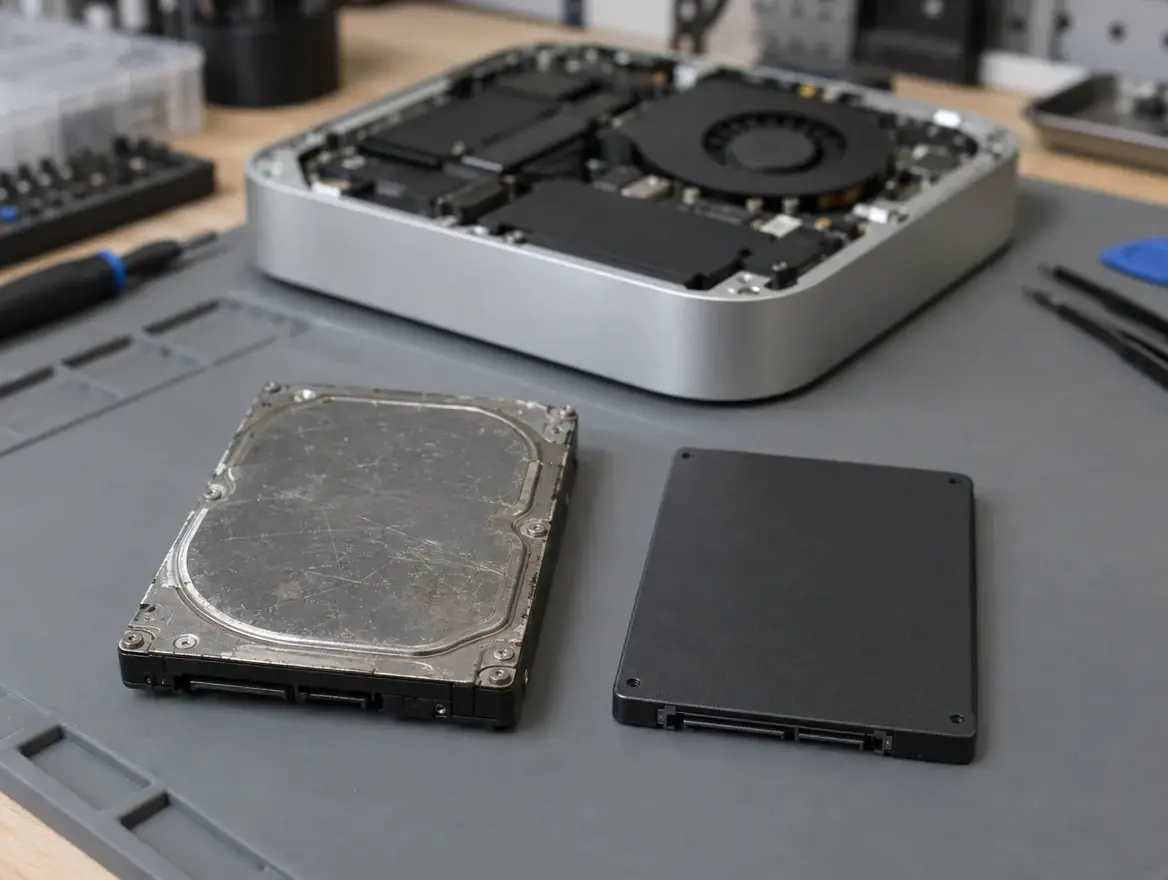
On a 2010 to 2014 Mac mini it’s usually the spinning hard drive. An SSD is the biggest speed boost.
Folder with a question mark
The Mac mini can’t find its drive, usually because it has failed.
2018, M1 and M2: soldered
The storage chips are soldered to the logicboard. We remove them and solder in larger ones under a microscope, then install macOS fresh. Back up first.
M4: a module
The M4 Mac mini has a removable storage module. We fit a bigger one and restore macOS with Apple’s tools. Back up first.
1-year warranty, No Fix No Pay
Every SSD carries a 1-year warranty. You only pay if we fix it.
Can the SSD in an M1, M2 or M4 Mac mini be upgraded?
Yes, but not with a slot
There’s no drive bay inside an Apple silicon Mac mini. On the 2018, M1 and M2 the storage chips are soldered to the logicboard. On the M4 they sit on a small module that unplugs.
How the soldered upgrade works
We remove the original storage chips and solder larger ones in their place under a microscope. The controller that manages the storage lives in the M chip, which stays, so only the data chips change.
How the M4 upgrade works
We swap the storage module for a larger one, then pair it to the Mac mini with Apple’s restore tools. It’s quicker than soldering, which is why the part costs more but the labour is simpler.
macOS is installed fresh
New chips and new modules start empty, so macOS is restored from scratch using Apple Configurator. Everything on the old storage is erased.
Back up first
Use Time Machine or iCloud before you bring it in. On Intel Mac minis we can copy your files to the new SSD, but on soldered and module upgrades we can’t.
RAM stays the same
Memory in these Mac minis is built into the M chip and can’t be added. Storage is the upgrade that is still possible. See our Mac mini RAM upgrade page.
Mac mini SSD upgrade price in Malaysia
A Mac mini SSD upgrade costs from RM659 at KissMyMac®, depending on the model and the size you choose, up to 2TB. Every SSD is tested before you collect and carries a 1-year warranty.
Prices updated October 2026. Final price confirmed after the free check.
Before you carry it in
Two free checks at home.
- Open the Apple menu, About This Mac, Storage, and see how full it is
- Back up to Time Machine or iCloud, especially before a soldered or module upgrade
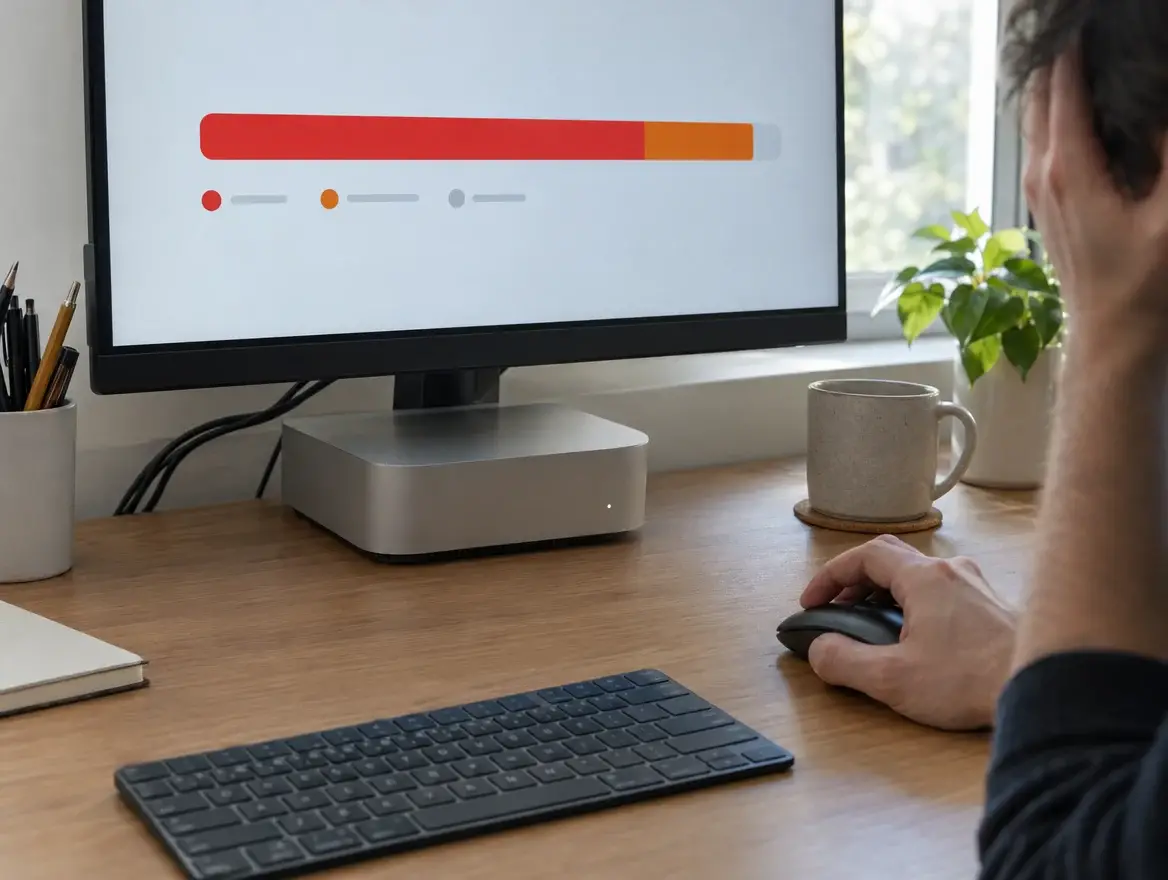
When an SSD upgrade is the fix
Any of these and new storage will help.
- Storage almost full and macOS warning you
- Slow to start, spinning wheel on a 2010 to 2014 Mac mini
- Folder with a question mark at startup
- Stuck on the Apple logo
- Clicking from inside an Intel Mac mini
- You want more space for photos, video or a media server
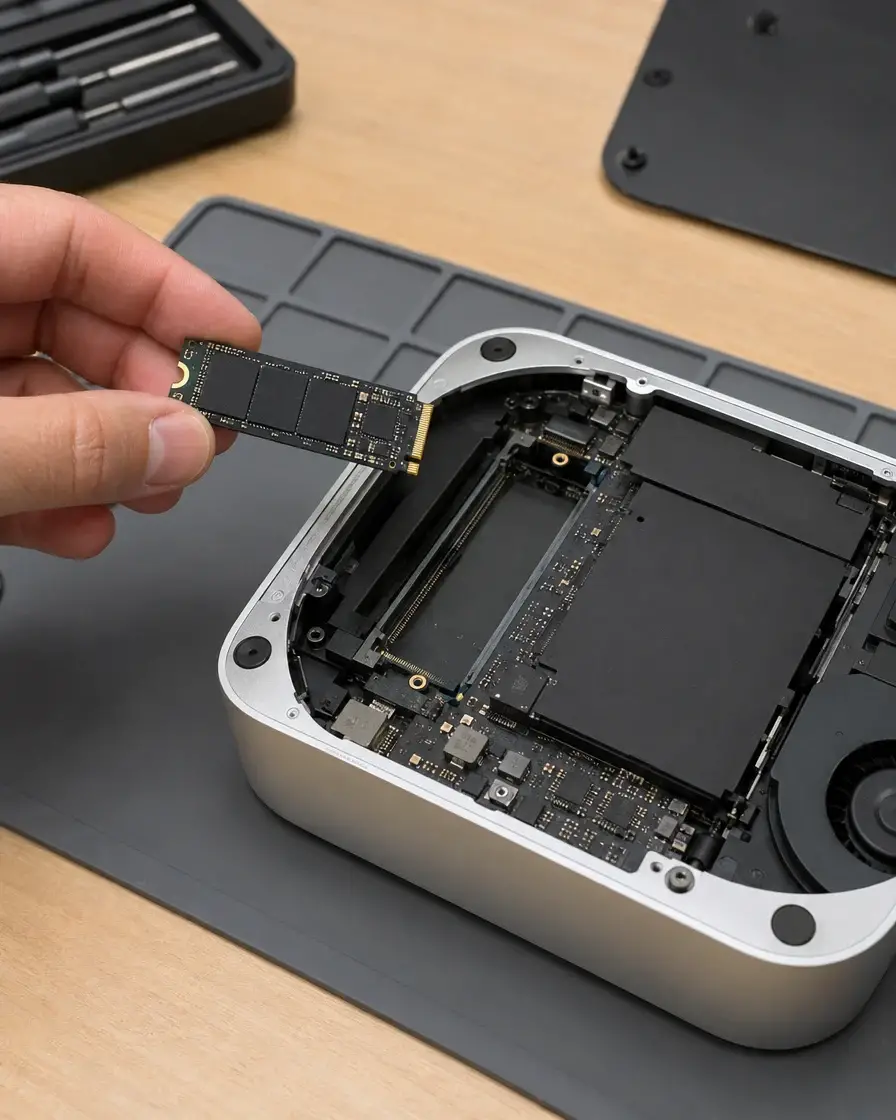
How the upgrade works
- Bring your Mac mini to any of our three branches.
- We check the drive and quote the size you want, free.
- You say yes before we start.
- We message you when it’s ready. Drive swaps are usually same day.
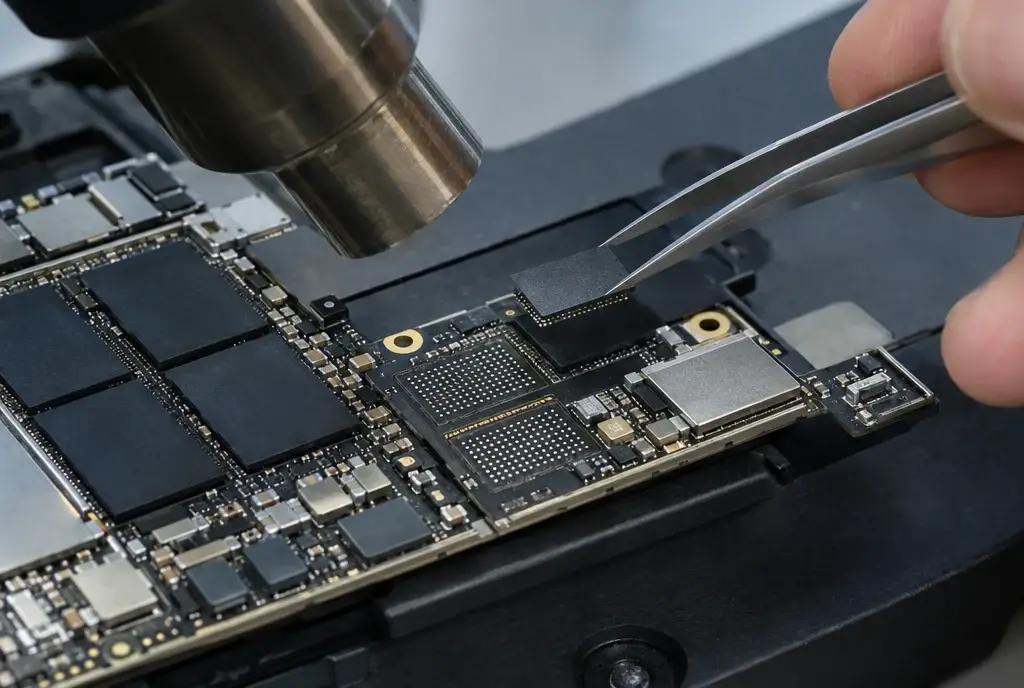
Apple Certified Independent Repair Provider
Apple-trained technicians and Apple’s own diagnostic tools on every Mac mini repair.
KissMyMac or an Apple service centre?
| KissMyMac® | Apple Authorised Service Centre | |
|---|---|---|
| Genuine Apple parts | Yes | Yes |
| Apple-certified technicians | Yes | Yes |
| Diagnosis | Free, always | May be charged |
| Turnaround | Same day for Intel drive swaps | 3 to 7 working days |
| No Fix, No Pay | Yes | No |
| Apple warranty after repair | Stays intact | Stays intact |
| Repair warranty | 1 year | 90 days |
| Walk-ins | Yes | Appointment needed |
Not near KL, PJ or Seremban? Mail it in.
Post your Mac mini to our Taman Desa branch from anywhere in Malaysia, Sabah and Sarawak included. Free diagnosis, an unboxing video on WhatsApp, and free return shipping, fixed or not. Desktops travel at your own risk, so use the original box if you have it.
Mac mini SSD upgrade near you
Walk in, no appointment needed. Monday to Friday 11am to 7pm, Saturday 11am to 3pm.
Taman Desa, Kuala Lumpur
Lot 203A, Second Floor, Faber Towers, Jalan Desa Bahagia, 58100 Kuala Lumpur
Areas we serve from here
Damansara Uptown, Petaling Jaya
98M, Jalan SS 21/39, Damansara Utama, 47400 Petaling Jaya
Areas we serve from here
Seremban 2, Negeri Sembilan
No. 56-1, Jalan S2 B18, Pusat Dagangan Seremban 2, 70300 Seremban
Areas we serve from here
Other Mac mini repairs
Same branches, same free check, same No Fix, No Pay.
Questions people ask
How much does a Mac mini SSD upgrade cost in Malaysia?
At KissMyMac it starts from RM659 for Intel Mac minis from 2010 to 2014, from RM850 for the 2018, M1, M2 and M2 Pro, and from RM1,500 for the M4 and M4 Pro. The final price depends on the SSD size, up to 2TB.
Can you upgrade the SSD on an M1 or M2 Mac mini?
Yes, from RM850. The storage chips are soldered to the logicboard, so we remove them and solder in larger ones under a microscope, then install macOS fresh. Back up first.
Can you upgrade the SSD on an M4 Mac mini?
Yes, from RM1,500. The M4 and M4 Pro have a removable storage module. We fit a bigger one and restore macOS with Apple’s tools. Back up first.
Can the 2018 Mac mini SSD be upgraded?
Yes, from RM850. Like the Apple silicon models, its storage chips are soldered to the board, so it’s a soldered upgrade with a fresh macOS install.
How long does a Mac mini SSD upgrade take?
Usually the same day on 2010 to 2014 Mac minis. Soldered and module upgrades take longer because macOS has to be restored, and we give you a time with the quote.
Is it worth putting an SSD in an old Mac mini?
Yes. On a 2010 to 2014 Mac mini it’s the biggest speed boost available. Apps open several times faster and it feels like a new machine.
What does the folder with a question mark mean?
The Mac mini can’t find a drive to start from. On Intel models it’s usually a failed hard drive, though it can also be a cable or macOS problem. We test it free.
My Mac mini hard drive is clicking. What should I do?
Back up what you can immediately and switch it off. Each restart risks your files. Bring it in and we move you to an SSD.
Will I lose my data?
On Intel Mac minis from 2010 to 2014 we can copy your files to the new SSD. On soldered and module upgrades the new storage starts empty, so back up to Time Machine or iCloud first.
Can you upgrade the RAM at the same time?
On the 2010 to 2012 and 2018 Mac minis, yes. The 2014 and all Apple silicon Mac minis have memory that can’t be changed. See our Mac mini RAM upgrade page.
Do you give a warranty on Mac mini SSD upgrades?
Yes, 1 year on the new SSD.
Do I need an appointment?
No. Walk in to any branch with your Mac mini and its power cable.
Mac mini storage penuh, boleh upgrade SSD?
Boleh. Kami upgrade SSD Mac mini sehingga 2TB, bermula RM659 untuk model Intel, RM850 untuk 2018, M1 dan M2, dan RM1,500 untuk M4. Pemeriksaan percuma di KL, PJ dan Seremban.
Berapa harga upgrade SSD Mac mini?
Harga upgrade SSD Mac mini di KissMyMac bermula RM659, bergantung pada model dan saiz. Waranti 1 tahun. Backup dulu sebelum hantar.