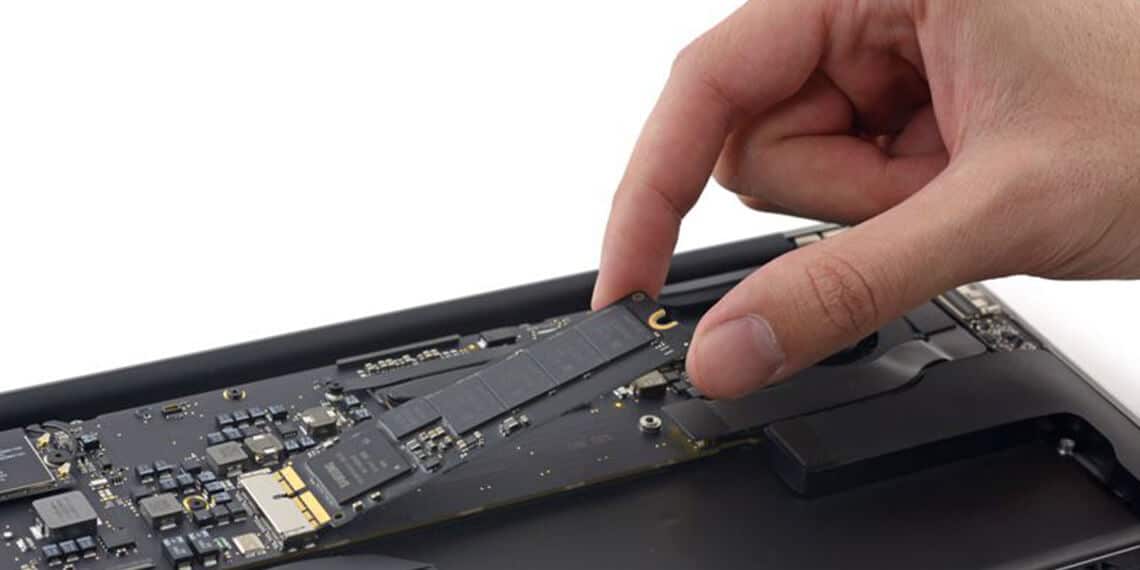
Macbook Repair & Upgrades Services | KissMyMac®

Looking For Macbook Repair & Upgrade Specialist?

Macbook Repair & Upgrade Services In Malaysia - KissMyMac
Total Macbook Repaired
12871 +
Total Apple Devices Rescued
30000 +
Rated Repair Provider
5

Need to fix your MacBook?

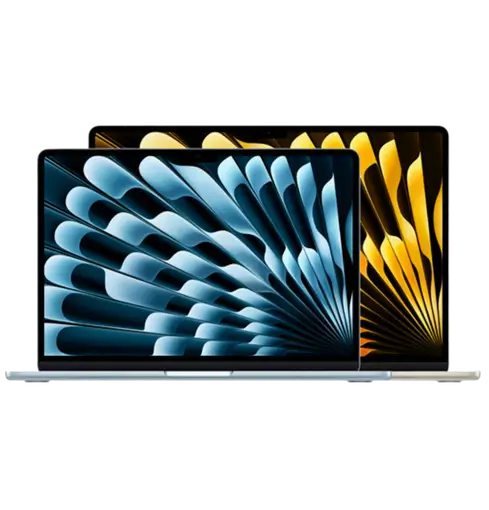
KissMyMac provides all kinds of MacBook Repair Services in Malaysia for all  MacBook Air, MacBook Pro, and older generations.

KissMyMac is an Apple Independent Repair Provider, and we are trained to handle fix any Macbook Repair Tasks, from broken displays and dead batteries to logic board failures and water damage.

Our skilled experts utilize real Apple parts and may fix your Mac quickly or in a complicated way.

Most jobs are done in 24 to 48 hours. Want to fix your Mac?

Feel free to visit our Service Centers in Kuala Lumpur, Petaling Jaya, or Seremban

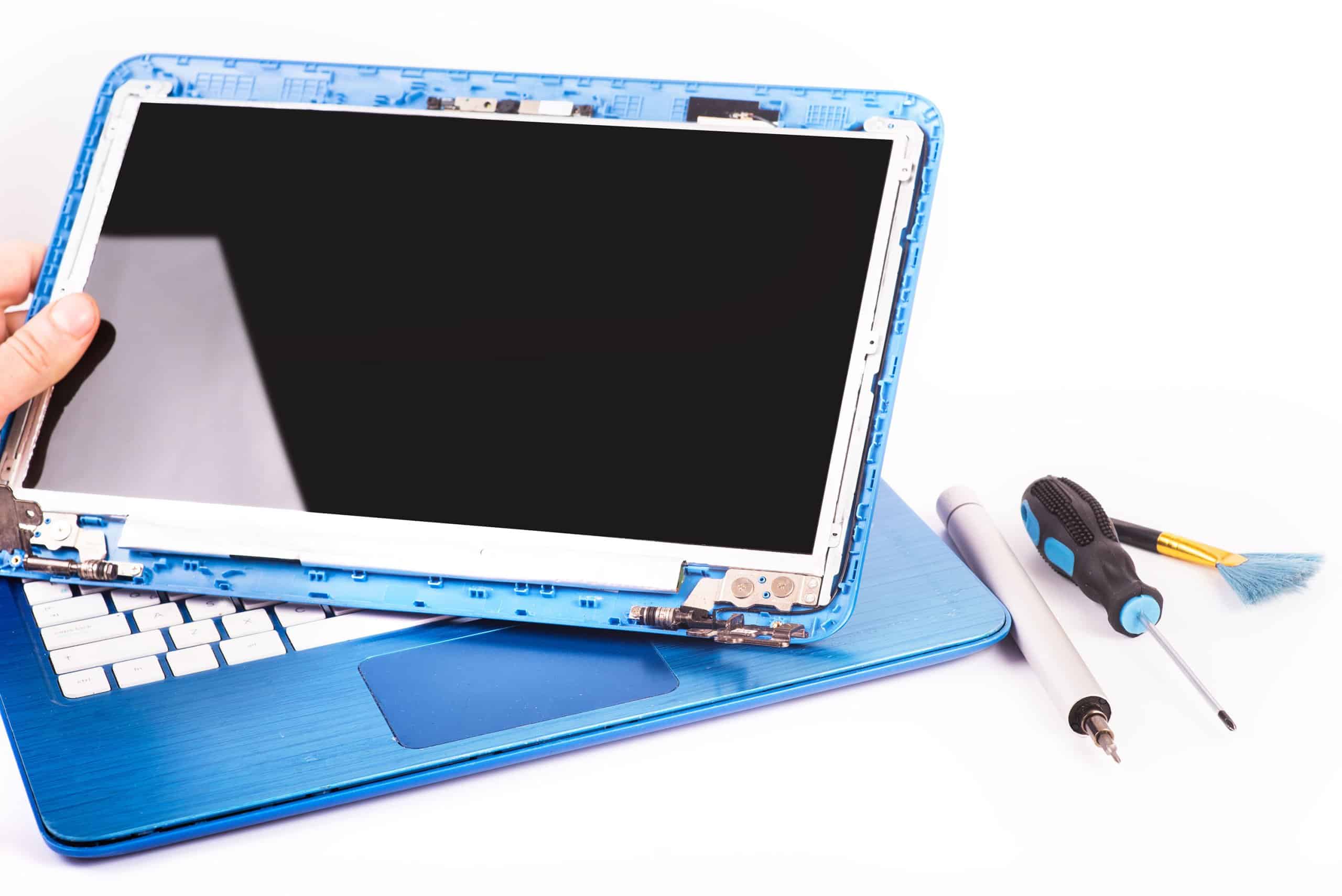
Macbook Screen Replacement Malaysia - KissMyMac

Macbook Screen Replacement

Dropped your Macbook and Macbook Screen Cracked? Macbook Screen Having Lines? Macbook Screen has Light But Doesn't Show Anything?

Contact Us for Macbook Screen Replacement Now!

Macbook Battery Replacement Malaysia - KissMyMac

Macbook Battery Replacement

Macbook Battery draining quickly? Macbook battery doesn’t hold long? Battery swollen causes Macbook body bulging?

Contact Us for Macbook Battery Replacement Now!

Macbook Keyboard Replacement Malaysia - KissMyMac

Macbook Keyboard Replacement

Macbook keyboard keys feel off the keyboard? Certain keys are not usable on the keyboard?

Contact Us for Macbook Keyboard Replacement Now!

Macbook Trackpad Replacement Malaysia - KissMyMac

Macbook Trackpad Replacement

Macbook Trackpad Auto Clicking/Moving? Macbook Trackpad Not Working At All? Macbook's Keyboard & Trackpad Both Not Working? All these are caused by a faulty trackpad

Contact Us for Macbook Trackpad Replacement Now!

Macbook Touch Bar Replacement Malaysia - KissMyMac

Macbook Touch Bar Replacement

Macbook Touch Bar is a very sensitive component of the Macbook besides Touch ID and also the Logicboard....

Macbook Touch ID Replacement Malaysia - KissMyMac

Macbook Touch ID Replacement

Macbook Touch ID consist of a small piece of sensor with a very thin Cable attached to it. Dropping the Macbook from high ground creates a lot of impact to the Macbook...

Logicboard Repair Malaysia - KissMyMac

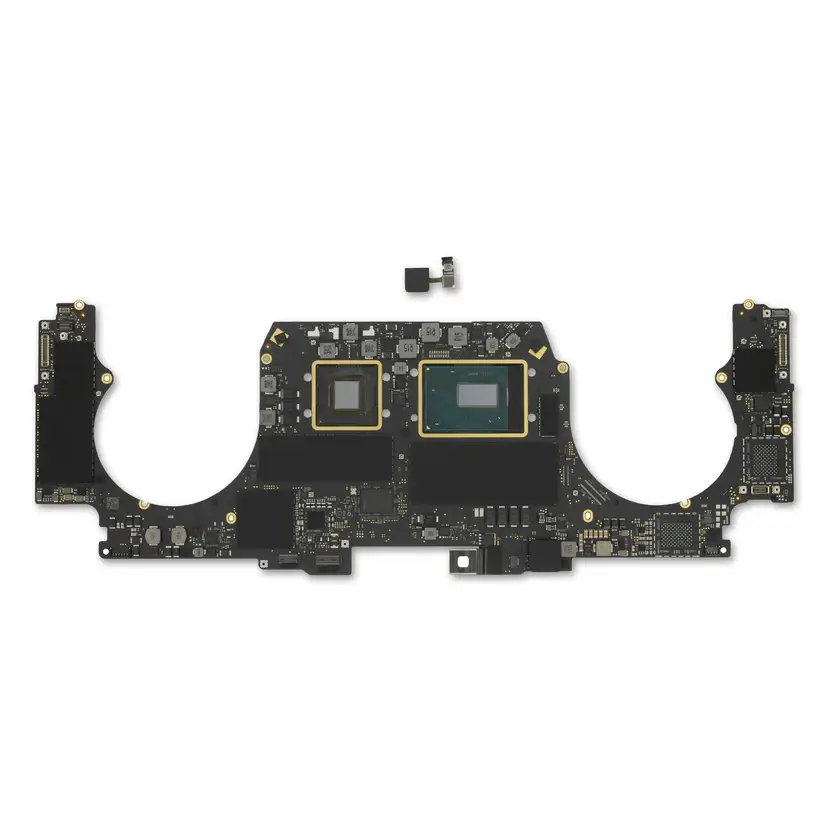
Macbook Logicboard Repair

Unable To Power On Your Macbook? Tried Charging it Overnight, Changing Different Charging Adaptors, but Macbook Still Not Powering Up? Your Macbook Air or Macbook Pro may be Facing Logicboard issues.

Contact Us for Macbook Logicboard Replacement Now!

Macbook Speaker Replacement Malaysia - KissMyMac

Macbook Speaker Replacement

Do you hear cracking sound on your Macbook whenever you play some music or watch movies?

Contact Us for Macbook Speaker Replacement Now!

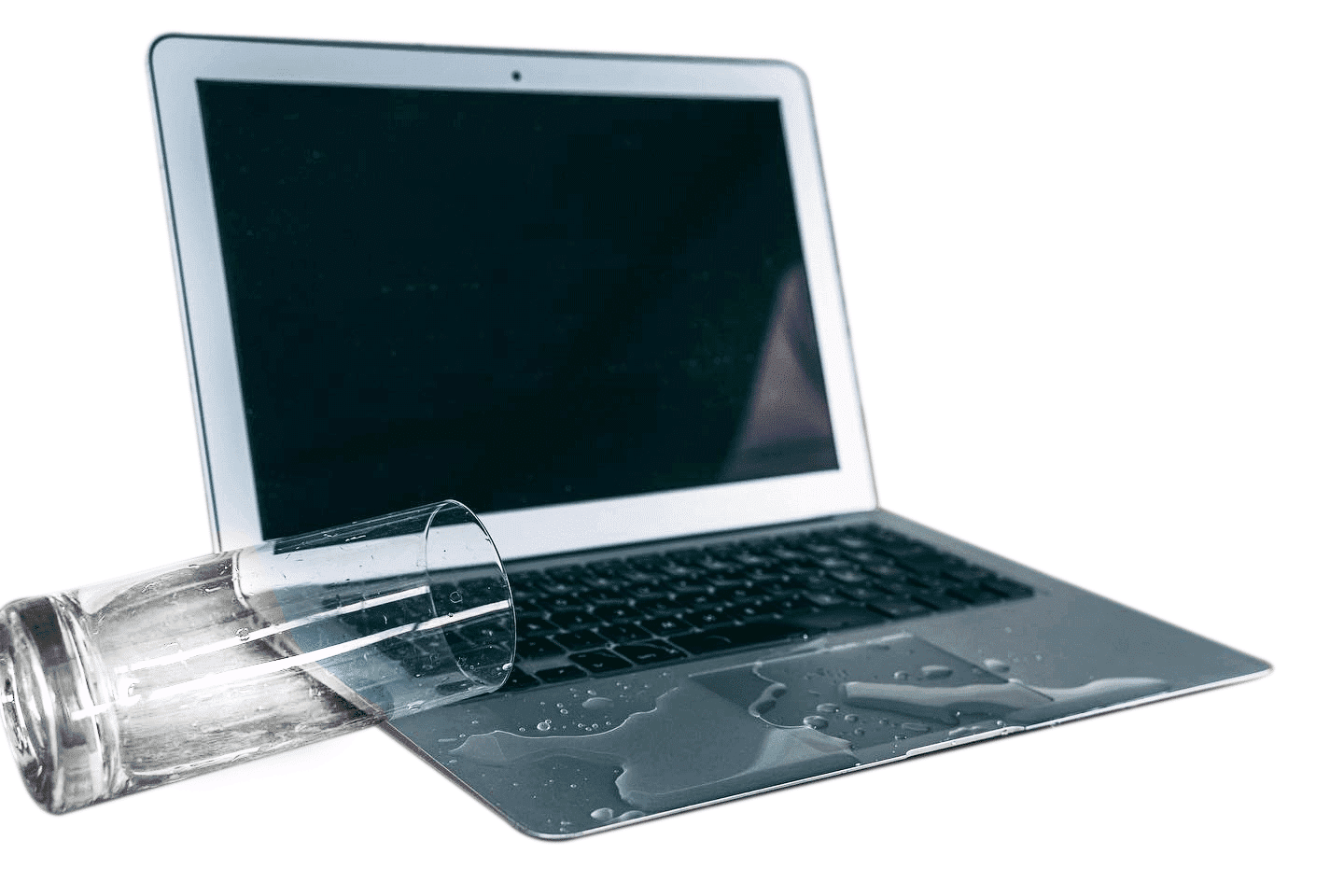
Macbook Water Damage Repair Malaysia - KissMyMac

Macbook Water Damage Repair

Accidents are unavoidable. If you spilled any drinks on your Macbook, turn it off and consult us for Macbook Water Damage Repair immediately!

Contact Us for Macbook Water Damage Repair Now!

Macbook Repair & Upgrade Services Malaysia - KissMyMac
Macbook Screen Replacement Malaysia - KissMyMac.my

Macbook Screen Replacement

Dropped your Macbook and screen cracked?
Seeing zebra lines on the Macbook?

Macbook Battery Replacement

Macbook Battery draining quickly? Macbook battery doesn’t hold long? Battery swollen causes Macbook body bulging?

Signs Macbook Battery Needs Replacing
Macbook Keyboard Replacement; KissMymac Macbook keyboard replacement; macbook keys fall off; macbook keyboard duplicate entry

Macbook Keyboard Replacement

Macbook keyboard keys feel off the keyboard?
Certain keys are not usable on the keyboard?

Macbook Speaker Replacement

Do you hear cracking sound on your Macbook whenever you play some music or watch movies?

Macbook Speaker Replacement Malaysia - KissMyMac.my
Macbook Water Damage Repair Malaysia - KissMyMac.my

Macbook Water Damage

Accidents are unavoidable. If you spilled any drinks on your Macbook,
turn it off and consult us immediately!

Macbook Logicboard Replacement

Are you facing issues with your MacBook Air Or Macbook Pro and in need of a Macbook logicboard repair in Malaysia?

Macbook Logicboard Repair

Macbook Upgrade Services

Macbook Hard Drive / Macbook SSD

Macbook SSD Upgrade

Macbook is not performing the way it does?
Re-gain the speed and performance by upgrading your Macbook to an SSD!
(Only applicable for selective models only)
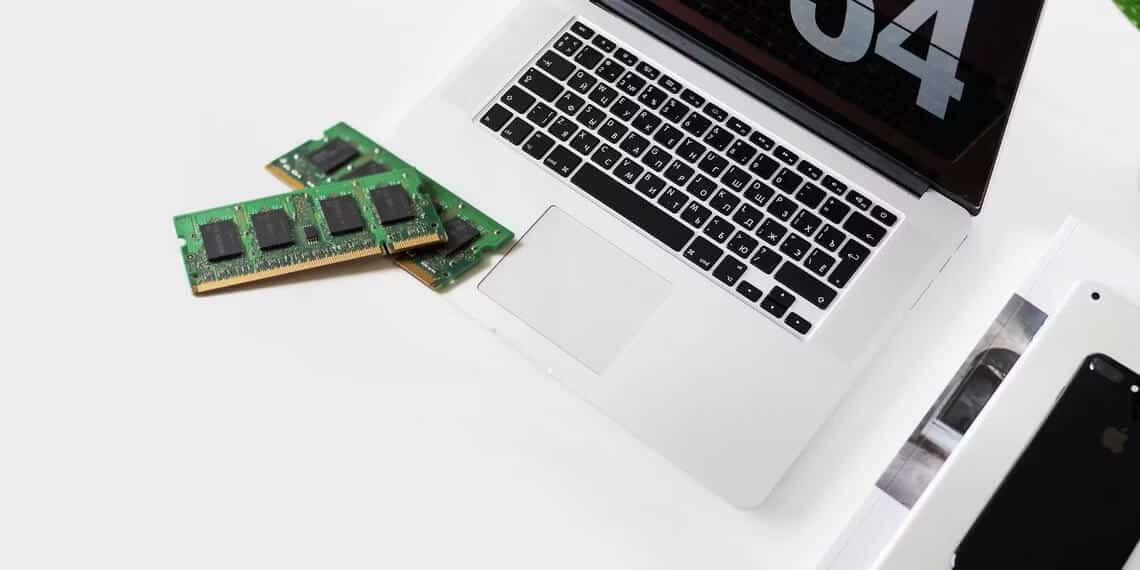
Macbook Memory Upgrade - Macbook Repair & Upgrade Malaysia | KissMyMac

Macbook Memory Upgrade

Experience laggy performance while Multi-tasking on your Macbook Very Often? You probably need a larger memory (RAM) to run heavy programs and multitask at the same time.


Apple Macbook Models Supported

13 inch 13-inch autocomplete="off">
ModelYearsModel number
MacBook Air 11″2010–2015A1370, A1465
MacBook Air 13″2010–2017A1369, A1466
MacBook Air 13″ Retina2018–2019A1932
MacBook Air 13″ Retina (Intel)2020A2179
MacBook Air 13″ M12020A2337
MacBook Air 13″ M22022A2681
MacBook Air 15″ M22023A2941
MacBook Air 13″ M32024A3113
MacBook Air 15″ M32024A3114
MacBook Air 13″ M42025A3240
MacBook Air 15″ M42025A3241
MacBook Air 13″ M52026A3449
MacBook Air 15″ M52026A3448
MacBook Pro 13″ Non-Retina2009–2012A1278
MacBook Pro 15″ Non-Retina2010–2012A1286
MacBook Pro 13″ Retina2012–2015A1425, A1502
MacBook Pro 15″ Retina2012–2015A1398
MacBook Pro 13″ (no Touch Bar)2016–2017A1708
MacBook Pro 13″ Touch Bar2016–2020A1706, A1989, A2159, A2251
MacBook Pro 15″ Touch Bar2016–2019A1707, A1990
MacBook Pro 16″ Intel2019A2141
MacBook Pro 13″ M1 / M22020–2022A2338
MacBook Pro 14″ M1 Pro / Max2021A2442
MacBook Pro 16″ M1 Pro / Max2021A2485
MacBook Pro 14″ M2 Pro / Max2023A2779
MacBook Pro 16″ M2 Pro / Max2023A2780
MacBook Pro 14″ M32023A2918
MacBook Pro 14″ M3 Pro / Max2023A2992
MacBook Pro 16″ M3 Pro / Max2023A2991
MacBook Pro 14″ M42024A3112
MacBook Pro 14″ M4 Pro / Max2024A3185, A3401
MacBook Pro 16″ M4 Pro / Max2024A3403, A3186
MacBook Pro 14″ M52025A3434
MacBook Pro 14″ M5 Pro / Max2026A3426, A3427
MacBook Pro 16″ M5 Pro / Max2026A3428, A3429

Why Choose Us?

KissMyMac™ is Certified Apple Independent Repair Provider (IRP) in Malaysia Nationwide. We have access to Apple Genuine Parts to perform Macbook Repair using Apple Genuine Parts, together with Apple Diagnostic and Configuration Tools and Systems to conduct the repair.

Macbook Repair & Upgrade By. Apple Certified IRP | KissMyMac®.

KissMyMac® is Apple Certified Mac Repair Malaysia. We specialize in Mac Repairs covering Macbook Screen Replacement, Macbook Battery Replacement, Macbook Logicboard Repair, Macbook Water Damage Repair.

KissMyMac - Apple Certified Independent Repair Provider Malaysia, Apple Repair Service Malaysia - KissMyMac.my

How Our Macbook Repair Service Works

  1. Step 1

    Free Diagnosis

    We check your Macbook’s condition Ensuring There Are No Extra Repairs After Quotation

  2. Step 2

    Transparent Quotation

    Transparent Quotation Pertaining To Your Repair Only. No Hidden Fee or Surcharge

  3. Step 3

    Repair Process

    Your Macbook Repairs Are Being Performed Professionally By Certified Technicians With More Than 10+ Years Of Experience. All Repairs are adhering to Apple Repair Standards to ensure quality repairs

  4. Step 4

    Quality Testing

    Perform Rigorous Testings To ensure The Macbook Is Working Perfectly After The Repair.

  5. Step 5

    Ready for Collection

    Freshly Repaired Macbook is ready to serve you!

Four Promises On Every Macbook Repair

  • Apple Certified Technicians

    All our technicians are Professionally trained by Apple. They are Apple Certified Technicians handling your Macbook Repairs. You will know your Macbook is in Good Hands.

  • FREE Diagnosis

    Yes, We Don’t Charge You Diagnostic Fee. If you have any problem with your Macbook, you can always drop by and let us check.

  • Fast Repair Time

    We Understand That Your Macbook Is Required as part of work. Hence, our Professionally Trained technicians meticulously repair your Macbook at their trained speed and reduce errors to be able to complete the repair on-time.

  • No Fix, No Pay

    There are situations where your Macbook is deem not repairable if the damage is too severe. Under such circumstances, we will not charge you for the repair.

Frequently Asked Questions (FAQ)

All You Need To Know About MacBook Repair In Malaysia With KissMyMac®

You do not pay. Diagnosis is free and we give you a quotation before any work starts, so nothing is charged without your go-ahead. If we cannot fix it, there is no fee — that is our No Fix No Fee policy.

Most jobs are done in 24 to 48 hours. We diagnose the machine and quote first, so you will know the timeline for your specific repair before you agree to it rather than after we have opened it up.

You keep all your data. These are hardware repairs — screen, battery, keyboard, trackpad and logicboard work do not require erasing your Mac, and it comes back to you with your files as they were. We still recommend you keep your own backup before any repair, because a drive that was already failing is the one thing no repair can bring back.

Yes. We are an Apple Certified Independent Repair Provider, so we fit Apple Genuine Parts and finish the job with Apple’s own Diagnostic and Configuration Tools and Systems. That final configuration step is what registers the new part with your Mac. Without it, macOS can list a replacement as an unknown part and show you a notification after the repair.

No. Because we are an Apple Certified Independent Repair Provider fitting Apple Genuine Parts, your remaining Apple warranty or AppleCare+ coverage on unaffected parts stays intact.

This is the practical difference between us and a general repair shop, where non-genuine parts can cause Apple to decline coverage on the parts involved.

No, and be careful of anyone who says they can. On Apple silicon the unified memory is built into the same chip package as the processor, and the storage is soldered to the logicboard. Neither can be changed after purchase, even by Apple.

Our SSD and memory upgrade service applies to older Intel MacBooks, where the storage is still a serviceable module. Bring it in and we will tell you free of charge which category yours falls into.

Often, yes. We repair the parts Apple would swap out — logicboards included — and we support models Apple no longer services. Tell us the model and the fault and we will confirm what is possible before you make the trip.

Not always. On 2016 to 2019 MacBook Pro this is usually the display flex cable, often called the stage light effect, and it can frequently be repaired without replacing the whole display assembly.

We diagnose which of the two it is first, because the difference in cost is substantial. You can also read our guide to the most common MacBook repair issues.

Apple’s Keyboard Service Programme has now closed for these models, so this becomes a paid repair. On 2015 to 2019 butterfly models the fix is replacing the top case assembly with the revised mechanism, which also resolves the dust sensitivity that caused the fault.

On 2020 and newer Magic Keyboard models, individual keys can often be replaced instead, which is a much smaller job.

Not necessarily, but time matters more than anything else here. Stop using it and do not charge it — running power through a wet logicboard is what turns a cleanable spill into a dead board. Bring it in for a free diagnosis and we will tell you honestly what is recoverable.

Often yes, but it depends on the logicboard. On T2 and Apple silicon Macs your data is encrypted with keys held in the Secure Enclave on that specific board, so the storage cannot simply be moved to another machine.

Our approach is board-level repair to get the Mac running long enough to copy your data off. If the board is beyond revival that data may not be recoverable, which is why we always recommend keeping a current backup.

No, and neither can Apple or any repair shop. Activation Lock ties the Mac to the original owner’s Apple Account.

There are only two routes: the previous owner signs out remotely, or you file an Activation Lock support request with Apple showing your original proof of purchase. We will confirm the lock status during our free diagnosis so you know where you stand before spending anything.

Our Happy Mac Repair Users In Malaysia

Find MacBook Repair Near You — KL, PJ & Seremban

Apple Certified Independent Repair Provider · No Fix No Fee · Free Diagnosis

Get professional Macbook Repair Kuala Lumpur for all your needs

Our professional technicians are here to ensure your Macbook is running smoothly and efficiently.

Payment Methods

We Accept All Payment Methods including Installment Plans. Repair Now and Pay Later

  • Visa Payment Method
  • American Express Payment Method
  • Apple Pay Payment Method
  • Mastercard Payment Method
  • Shopee PayLater Payment Method
  • Bank Transfer Payment Method
  • Credit Card Installment Plan Payment Method
  • Cash Payment Method
  • UnionPay Payment Method
  • JCB Payment Method
  • Atome Paylater at KissMyMac
Scroll to Top